
This guide provides an overview to the Accounts Payable Module in Bromcom Finance. In providing links to individual guides, it functions as a de facto Accounts Payable User Guide.
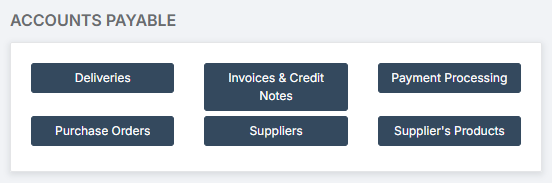
Note: All pages below are subject to having relevant Roles and Permissions.
There are seven parts to this guide:
1. Books
In order to use Accounts Payable, a number of Books need to be created.
For creation and management of Books, go to Modules > Finance > Finance Home Page > Maintenance > Books.

1.1. How to Create an Order Book
An Order Book is required for creating Orders.
See: How to Create an Order Book
1.2. How to Create a Supplier Code Book
A Supplier Code Book allows for the easy assignment of a Supplier Code to Suppliers.
See: How to Create a Supplier Code Book
1.3. How to Add a Cheque Book
A Cheque Book allows for Cheques to be produced.
2. Suppliers
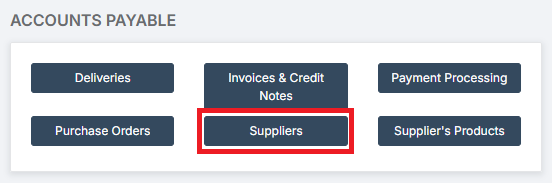
2.1. How to Add a Supplier
Suppliers need to be added to the system so that Products can be ordered from them.
2.2. How to Set Up a Supplier for BACS Payments
See: How to Set Up a Supplier for BACS Payments
2.3. How to Review and Approve Supplier BACS Payments
See: How to Review and Approve Supplier BACS Payments
3. Supplier’s Products
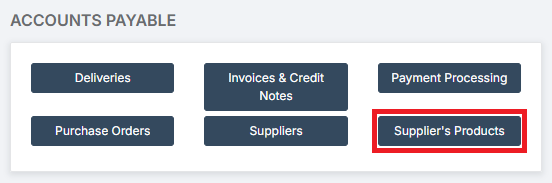
3.1. How to Manage Products in Accounts Payable
Supplier’s Products need to be added to the system so that they can be ordered.
See: How to Manage Products in Accounts Payable
3.2. How to Add a Supplier Catalogue
A Supplier’s Catalogue can be uploaded to their profile, making the addition of a large number of Products much easier.
See: How to Add a Supplier Catalogue
4. Purchase Orders
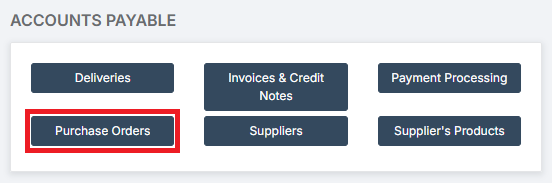
4.1. How to Manage Purchase Order Settings
To be able to produce Purchase Orders, the system needs to be correctly configurated.
See: How to Configure Purchase Order Definition
4.2. How to Create a New Purchase Order
See: How to Create a New Purchase Order
4.3. How to Authorise a Purchase Order
See: How to Authorise a Purchase Order
4.4. How to Send a Purchase Order
See: How to Send a Purchase Order
4.5. How to Cancel Remaining Items on a Purchase Order
See: How to Cancel Remaining Items on a Purchase Order
4.6. How to Cancel a Purchase Order
See: How to Cancel a Purchase Order
5. Invoices and Credit Notes
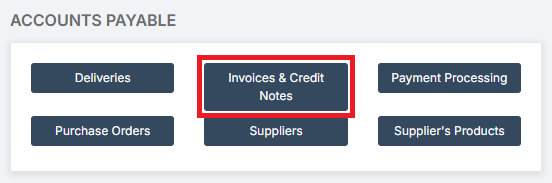
5.1. How to Add an Order Invoice
See: How to Add an Order Invoice in Accounts Payable
5.2. How to Add a Non-Order Invoice
See: How to Add a Non-Order Invoice in Accounts Payable
5.3. How to Add a Sundry Invoice
See: How to Add a Sundry Invoice in Accounts Payable
5.4. How to Cancel An Invoice
See: How to Cancel an Invoice in Accounts Payable
5.5. How to Process a Credit Note
See: How to Process a Credit Note in Accounts Payable
5.6. How to Clone Invoices and Credit Notes
See: How to Clone Invoices and Credit Notes in Accounts Payable
5.7. How to Process Centrally Paid Invoices
See: How to Process Centrally Paid Invoices in Accounts Payable
6. Deliveries
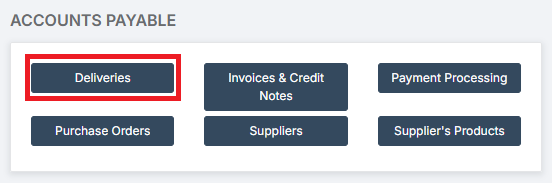
6.1. How to Add a Delivery Note
See: How to Add a Delivery Note
6.2. How to Return Items / Cancel a Delivery Note
See: How to Return Items / Cancel a Delivery Note
7. Payment Processing
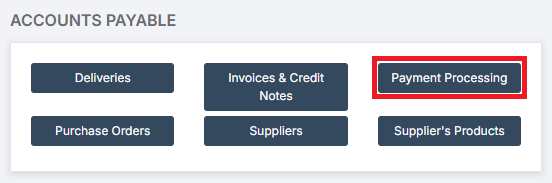
7.1. How to Pay a Supplier by BACS
See: How to Pay a Supplier by BACS
7.2. How to Cancel a BACS Run or Single BACS Payment
See: How to Cancel a BACS Run or Single BACS Payment
7.3. How to Process Debit Card Transactions
See: How to Process Debit Card Transactions
7.4. How to Process Credit Card Transactions
See: How to Process Credit Card Transactions
7.5. How to Process Recurring Direct Debit Transactions
See: How to Process Recurring Direct Debit Transactions
7.6. How to Set Up Cheque Definition and Complete a Cheque Run
See: How to Set Up Cheque Definition and Complete a Cheque Run
7.7. How to Cancel a Cheque
7.8. How to Clear Commitments Associated with a Purchase Order
See: How to Clear Commitments Associated with a Purchase Order
8. VAT
8.1. How to Manage VAT
See: How to Manage VAT