
This guide provides an overview to the Accounts Receivable Module in Bromcom Finance. In providing links to individual guides, it functions as a de facto Accounts Receivable User Guide.
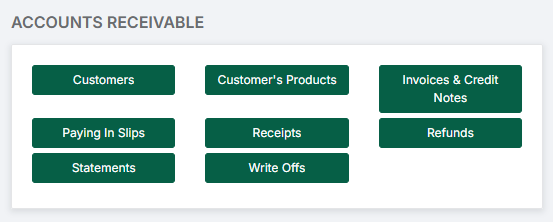
Note: All pages below are subject to having relevant Roles and Permissions.
There are three parts to this guide:
2. How to Add Customers and Manage Products
Note: For guidance on Central Receipts, please see: Central Payments and Receipts User Guide.
Note: For guidance on configuring Accounts Receivable, please see: How to Configure Accounts Receivable.
1. How to Create Books
In order to use Accounts Receivable, a number of Books need to be created.
For creation and management of Books, go to Modules > Finance > Finance Home Page > Maintenance > Books.

1.1. How to Create a Customer Reference Book
A Customer Reference Book allows for the easy assignment of a Customer Reference to Customers.
See: How to Create a Customer Reference Book
1.2. How to Create a Receipt Book
A Receipt Book is required for the issuing of Receipts.
See: How to Create a Receipt Book
1.3 How to Create a Sales Invoice / Credit Note Book
A Sales Invoice / Credit Note Book is required for the issuing of Sales Invoices and Credit Notes.
See: How to Create a Sales Invoice / Credit Note Book
1.4. How to Create a Paying In Slip Book
A Paying In Slip Book is required for the issuing of Paying In Slips.
See: How to Create a Paying In Slip Book
2. How to Add Customers and Manage Products
In order to use Accounts Receivable, Customers and Products need to be created.
2.1. How to Add a New Customer in Accounts Receivable
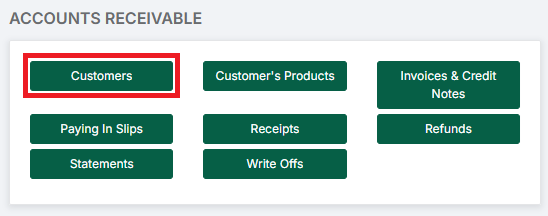
See: How to Add a New Customer in Accounts Receivable
2.2. How to Manage Products in Accounts Receivable
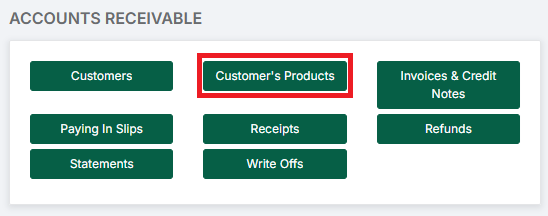
See: How to Manage Products in Accounts Receivable
3. Processes
This section covers the Processes involved in using Accounts Receivable in the Finance Module.
3.1. How to Raise an Invoice in Accounts Receivable
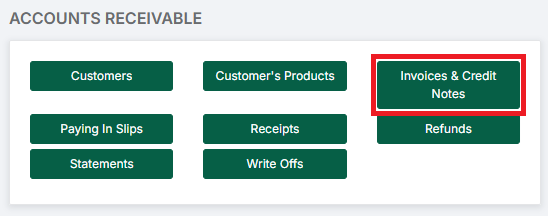
See: How to Raise an Invoice in Accounts Receivable
3.2. How to Process an Invoice Receipt in Accounts Receivable
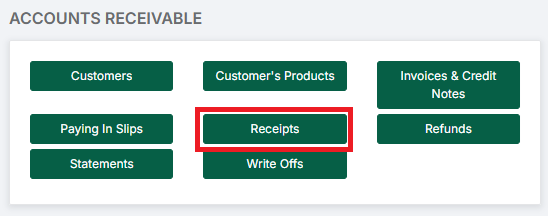
See: How to Process an Invoice Receipt in Accounts Receivable
3.3. How to Process a Non-Invoiced Receipt in Accounts Receivable
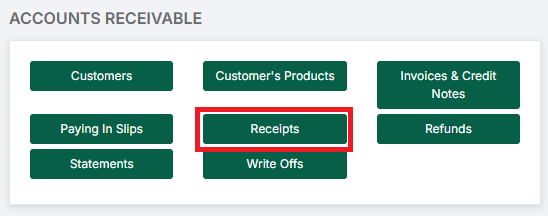
See: How to Process a Non-Invoiced Receipt in Accounts Receivable
3.4. How to Process Paying In Slips in Accounts Receivable
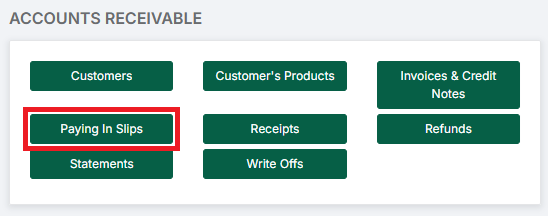
See: How to Process Paying In Slips in Accounts Receivable
3.5. How to Process a Credit Note in Accounts Receivable
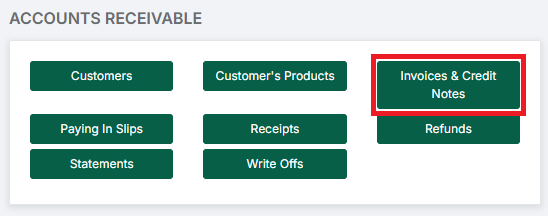
See: How to Process a Credit Note in Accounts Receivable
3.6. How to Process a Refund in Accounts Receivable
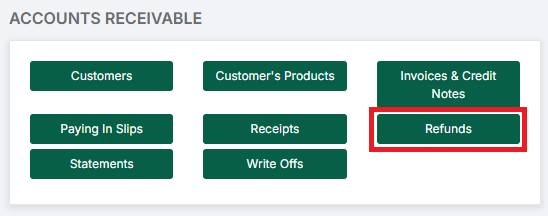
See: How to Process a Refund in Accounts Receivable
3.7. How to Create a Customer Statement in Accounts Receivable
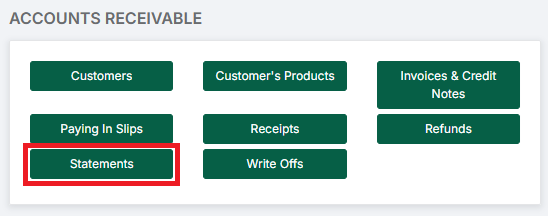
See: How to Create a Customer Statement in Accounts Receivable
3.8. How to Manage Write Offs in Accounts Receivable
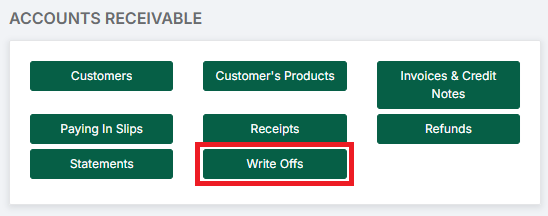
See: How to Manage Write Offs in Accounts Receivable