
This guide looks at how to configure the Detentions view for Students in Student Portal.
Access: The minimum permissions required to access Detentions can be found in the Student Portal Module under Behaviour from within Config > Setup > Roles and Permissions.
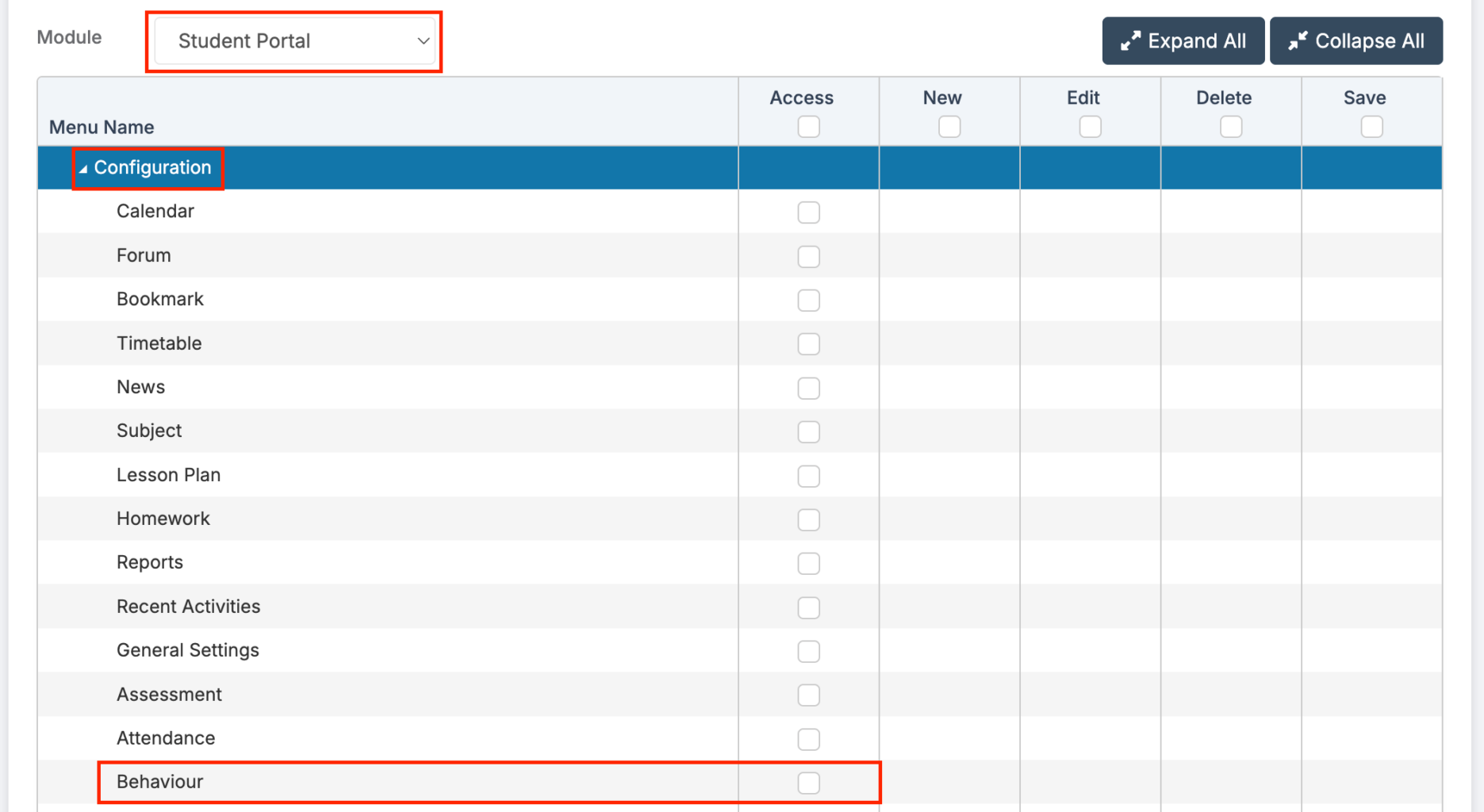
For more guidance on the Configuration of Student Portal see here.
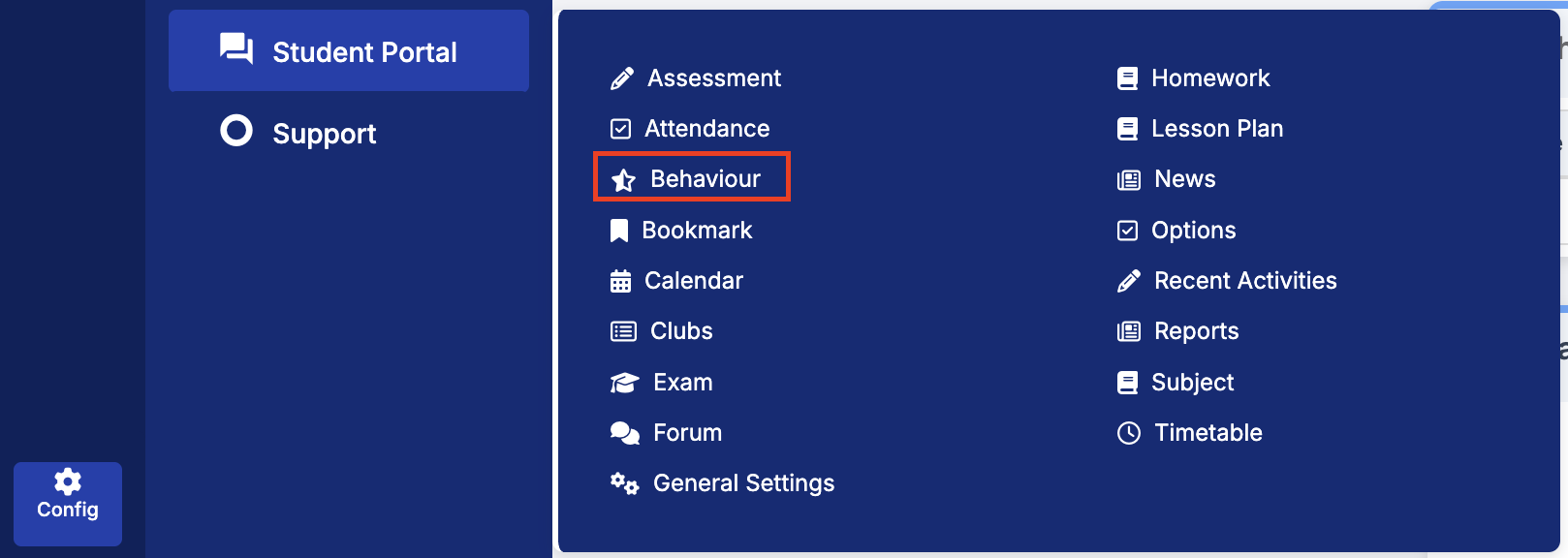
From the left Menu go to Config > Student Portal > Behaviour.
Selecting the Enable Detentions checkbox will display detentions in the Student Portal, as well as in the student timetable and Student App.
In the Student Portal, this will add a Detentions widget to the Dashboard and a Detentions menu item. (In the Student App, it will add a Detentions module to the Modules screen.)
Student Portal > Detentions
The Detentions page is organised into two sections:
- Detentions Coming Up: Displays a weekday view (Monday to Friday) of detentions for the current week. Users can navigate to future or past weeks within the current academic year using the left and right arrows.
- All Detentions: Lists all upcoming detentions. The view can be filtered by Detention Type and Subject.
Student Portal > Dashboard
The Detentions widget provides an overview of upcoming detentions. Click More to open the full Detentions page.