In this guide, we show How to Set Up Cheque Definition and How to Complete a Cheque Run in the Finance Module.
This Guide forms part of the ACCOUNTS PAYABLE USER GUIDE. Click to see Related Guides.
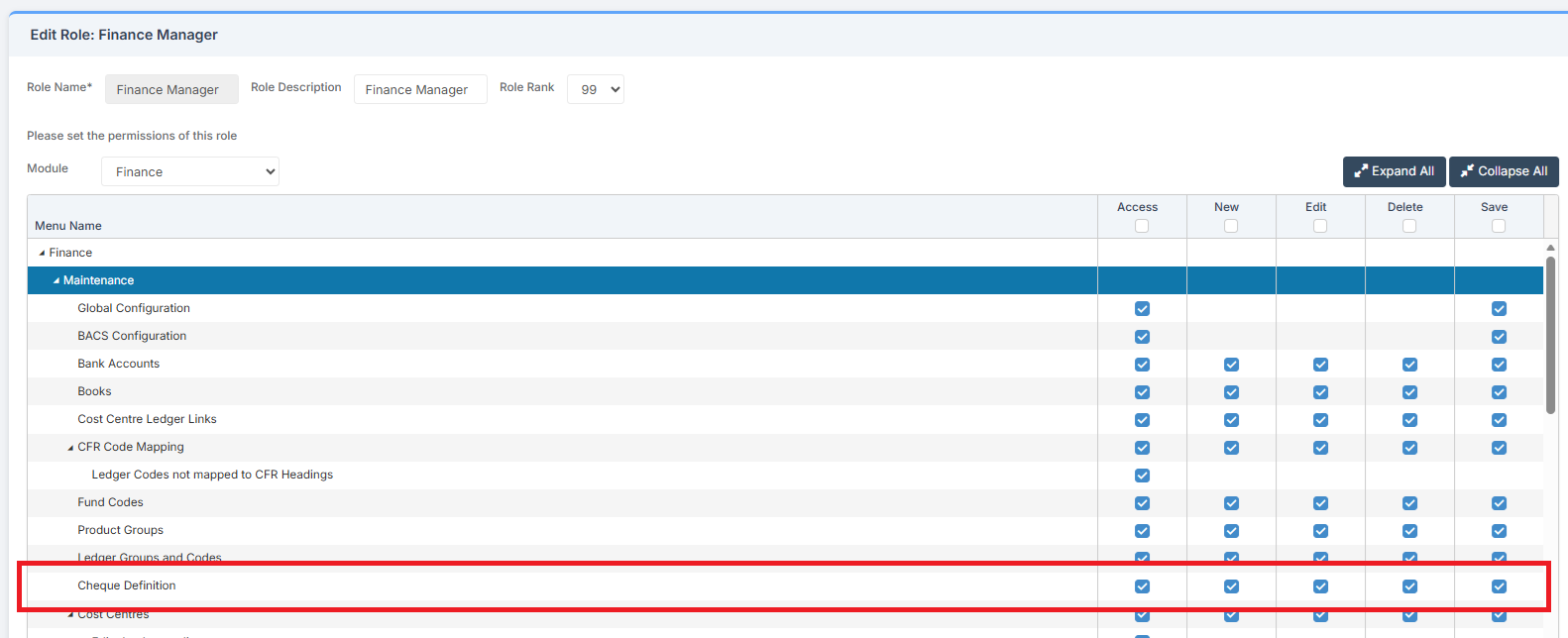
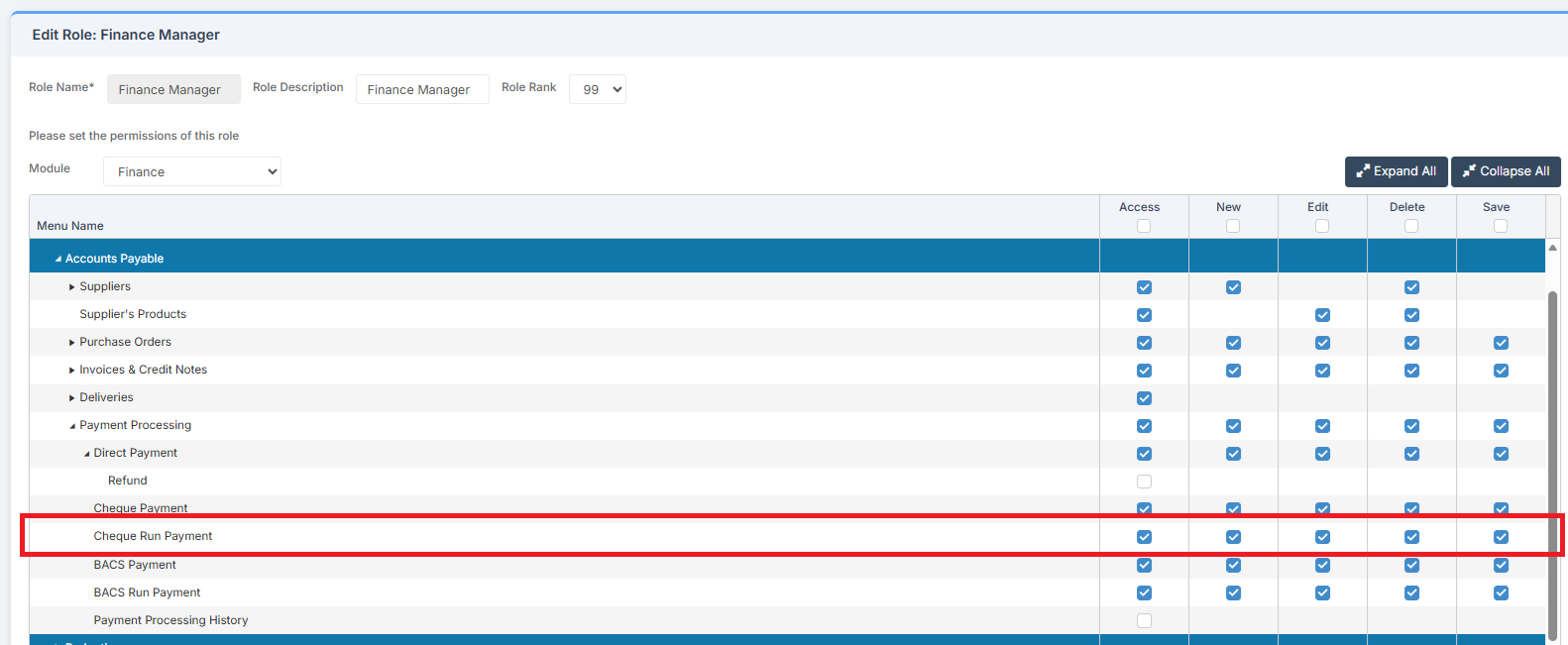
Access: The minimum permissions required to Set Up Cheque Definition and Complete a Cheque Run are found in the Finance Module section of Config > Setup > Roles & Permissions.
For Cheque Definition:
For Cheque Run:
Pre-requisites: A Cheque Book is required. See: How to Add a Cheque Book.
Related Guides:
How to Set Up Cheque Definition
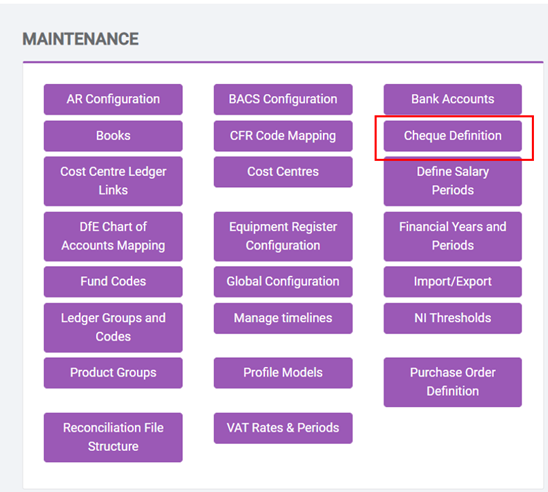
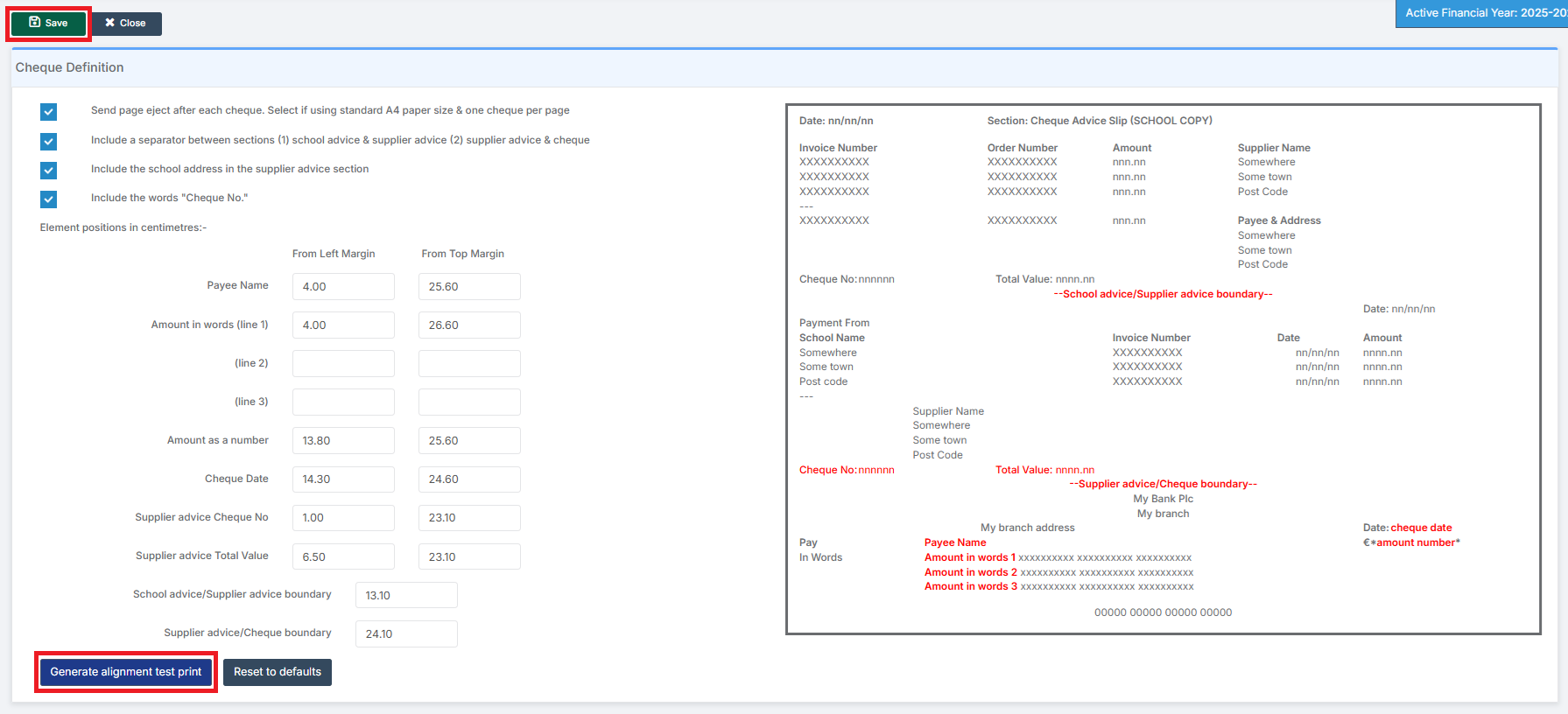
To begin, go to Modules > Finance > Finance Home Page > Maintenance > Cheque Definition.
Complete the Cheque Definition details, select Generate Alignment Test Print, repeat if required and when happy, click Save.
How to Complete a Cheque Run
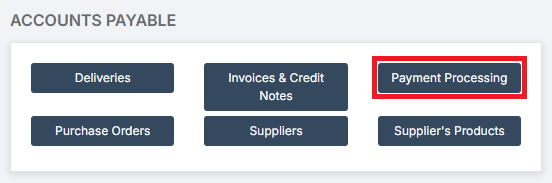
Go to Modules > Finance > Finance Home Page > Accounts Payable > Payment Processing.
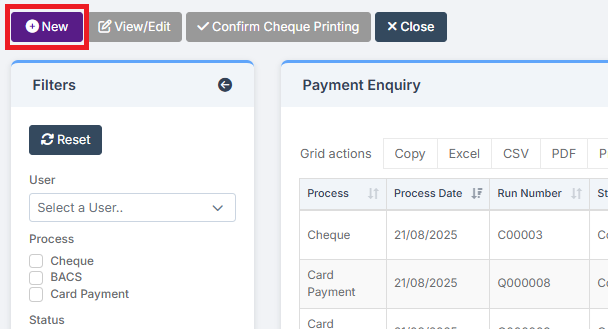
Click New.
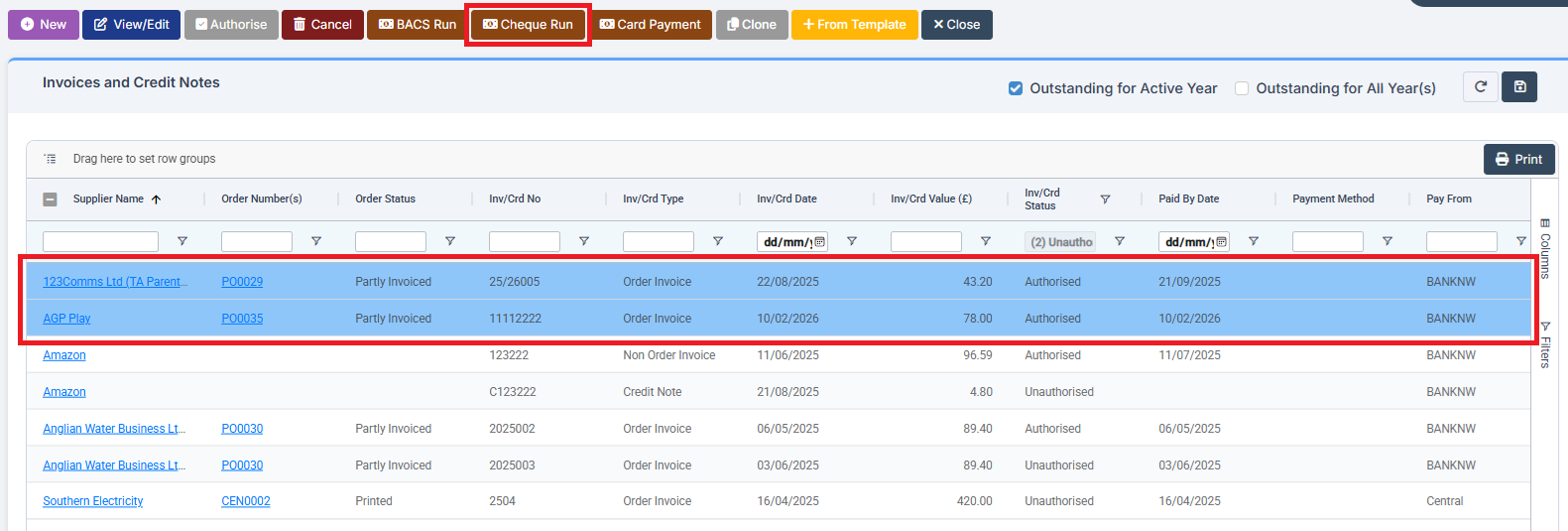
Select the Invoice(s) to be paid by Cheque by clicking on them to highlight them, away from the underlined hyperlinks in blue, and select Cheque Run.
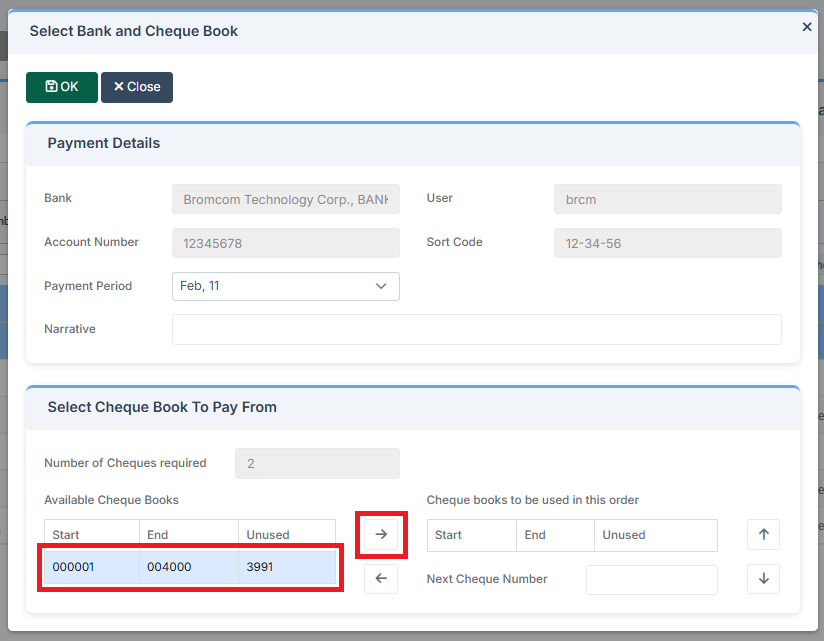
Select the correct Cheque Book by clicking on it and then using the arrow to move it across.
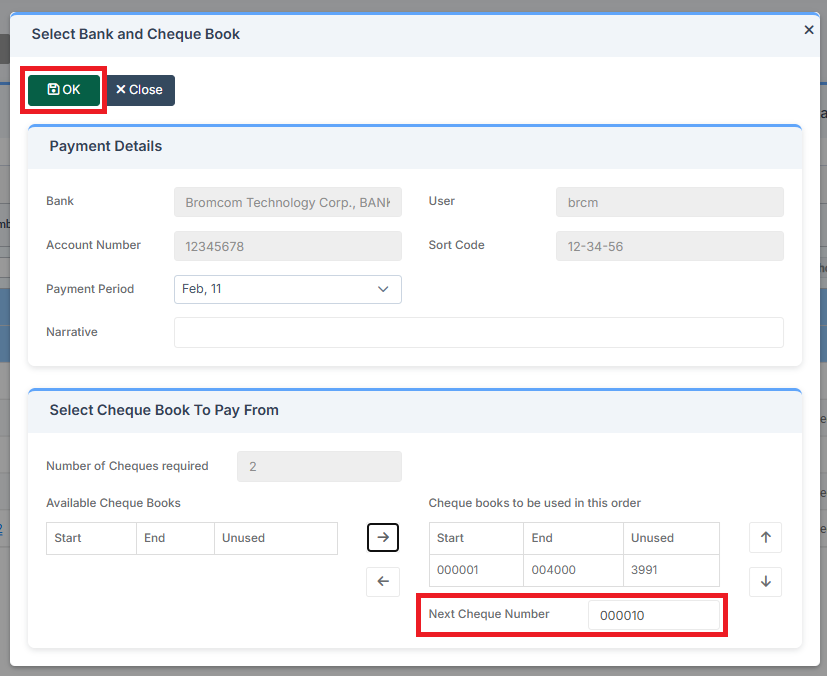
Check the Cheque Number corresponds with the next Cheque. Complete the details and click OK.
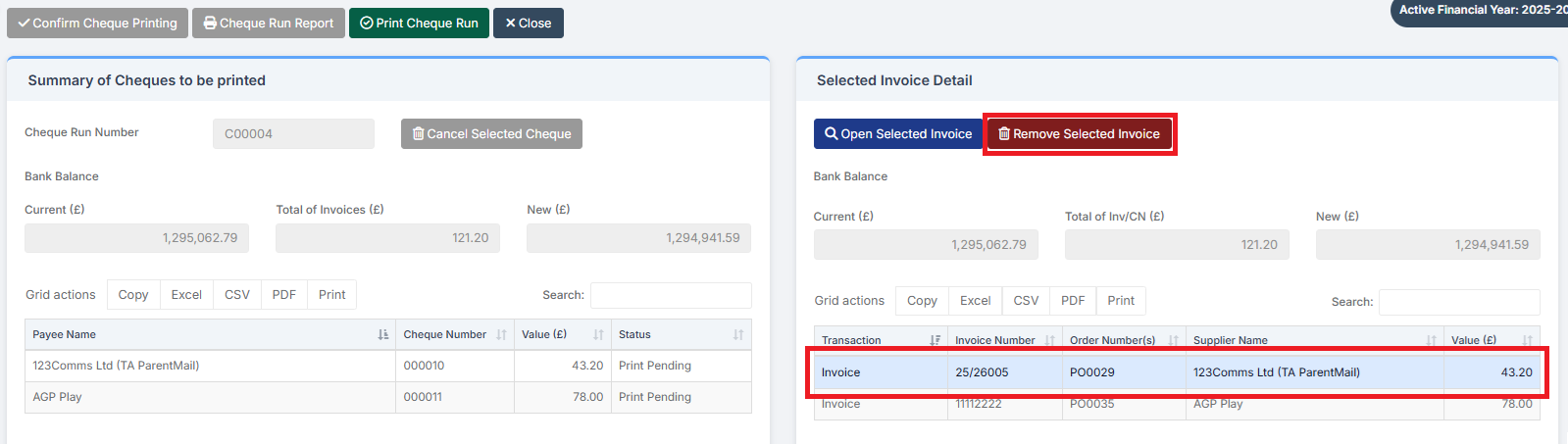
If required, on the right-hand side of the page individual Invoices can be selected and removed from the Cheque Run.
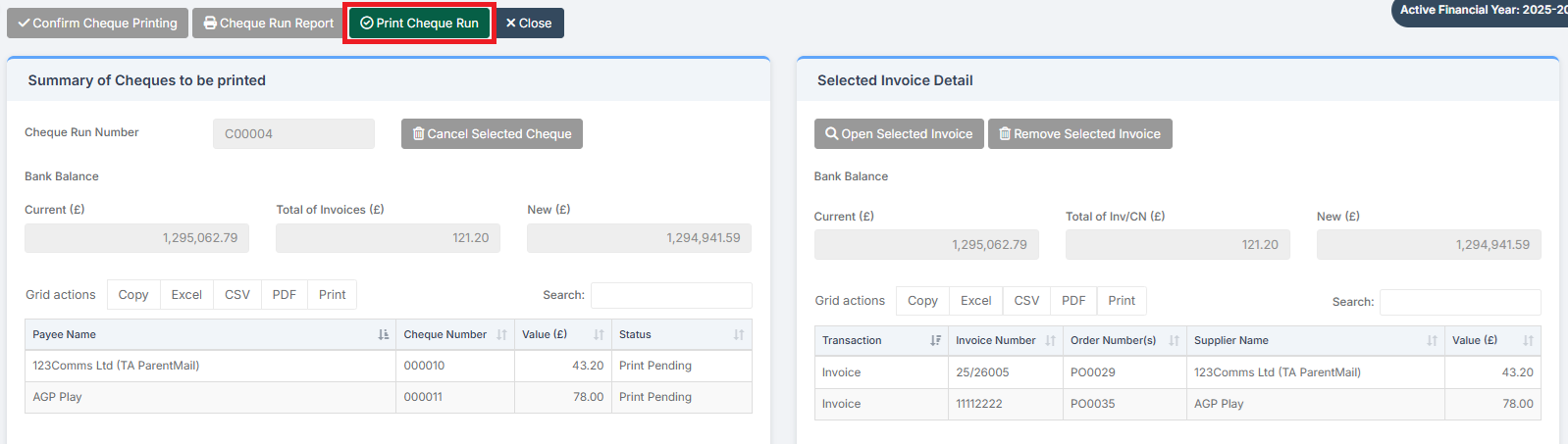
Review the Cheque Run details and when happy select Print Cheque Run.
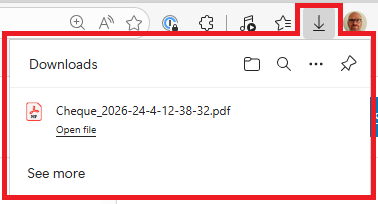
A PDF of the Cheque Run is sent to the browser’s Downloads Folder. It should be Printed on the correct stationery.
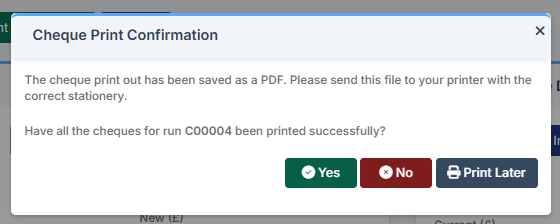
A notification is shown. Click Yes if all the cheques printed successfully.
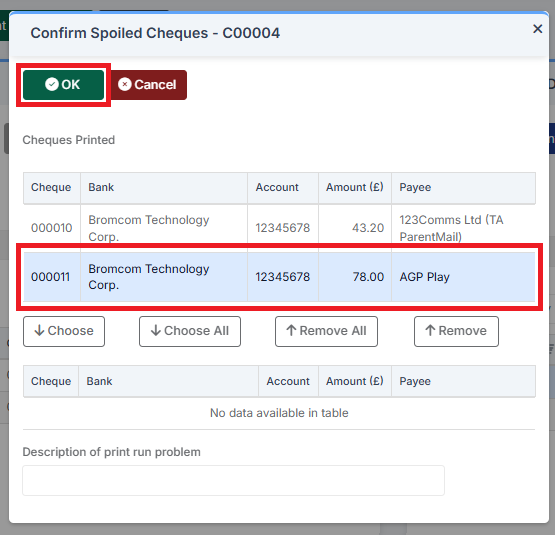
If one or more cheques did not print successfully, click No and then Confirm Spoiled Cheques by highlighting the Cheque and clicking on OK.
The Cheque Run Report can be printed or downloaded.
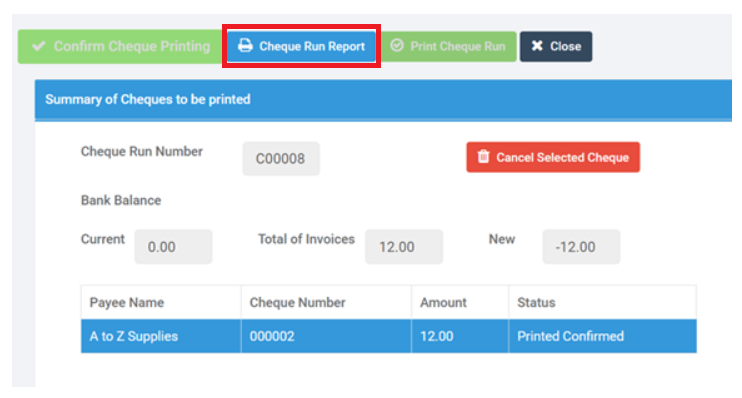
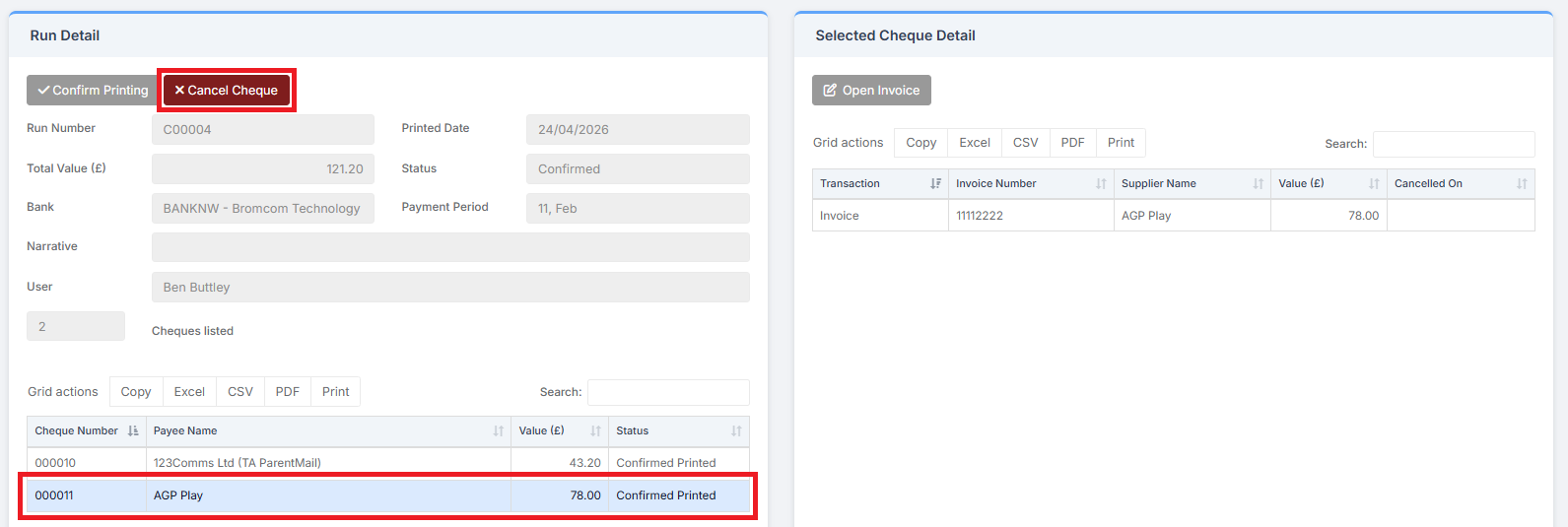
To cancel a cheque, highlight the cheque and click Cancel Cheque.