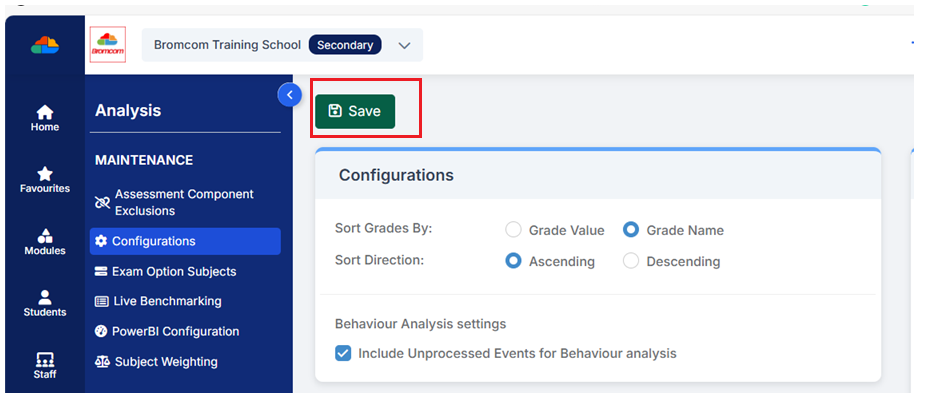
Use this guide for the Key Stage Year Group Mapping page. This page is used to define which Year Groups are in which Key Stage that are then used in Headline Figures and in Analysis Data Transfers in the Analysis module.
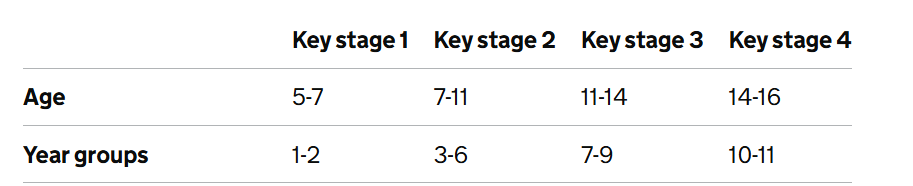
Below is a screenshot taken from DfE guidance on the National Curriculum for England for the Key Stages>Age>Year groups
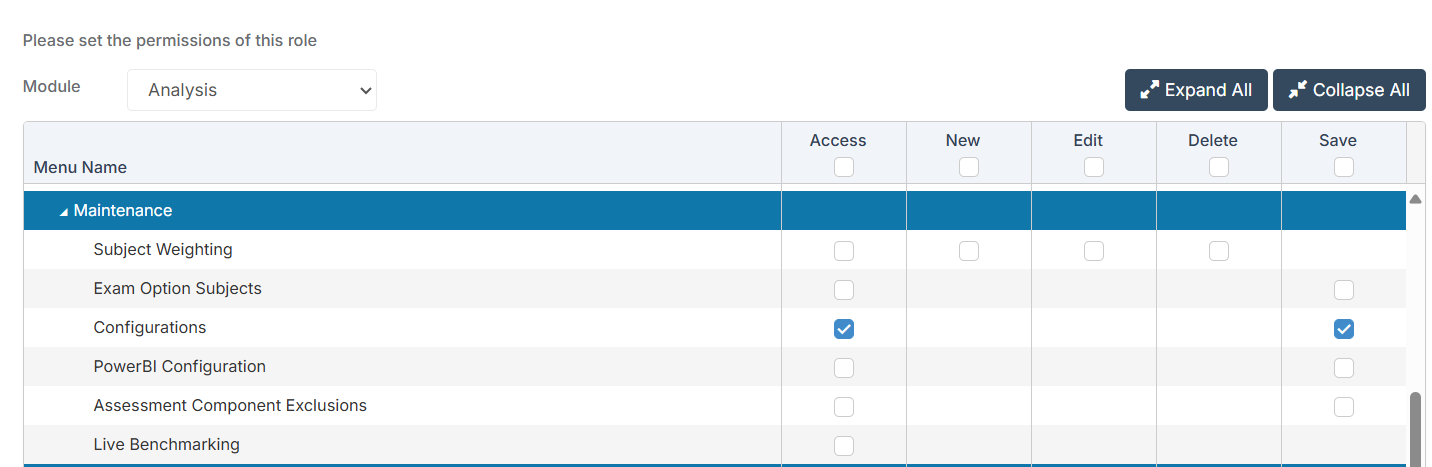
Access: the minimum permissions required to access Year Group Mapping in Configurations is found in the Analysis Module of Config>Set Up>Roles and Permissions
See here for further guidance on the Analysis module.
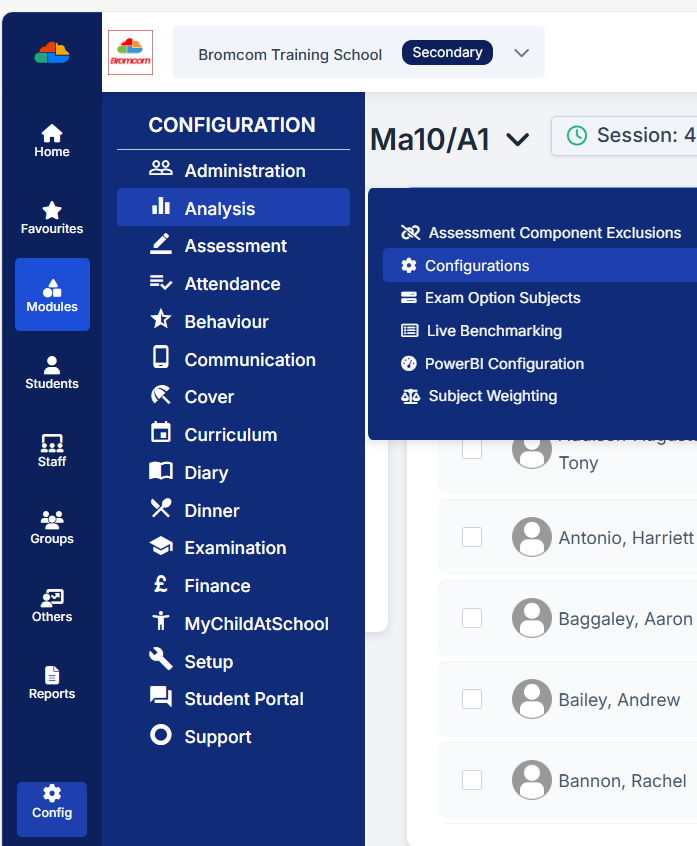
Go to Config>Analysis>Configurations
Then scroll down to the Key Stage Year Group mapping for Analysis Data Transfer & Headline Figures panel.
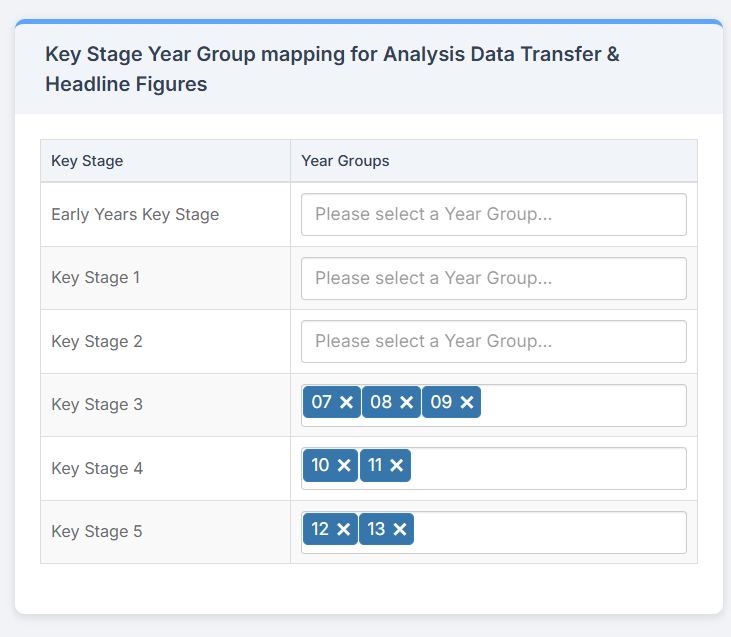
Then simply click in the appropriate Key Stage and select a Year Group.
When you are happy with your choices click Save in the top left of the Configurations panel.