
In this guide we show How to Create VAT Periods.
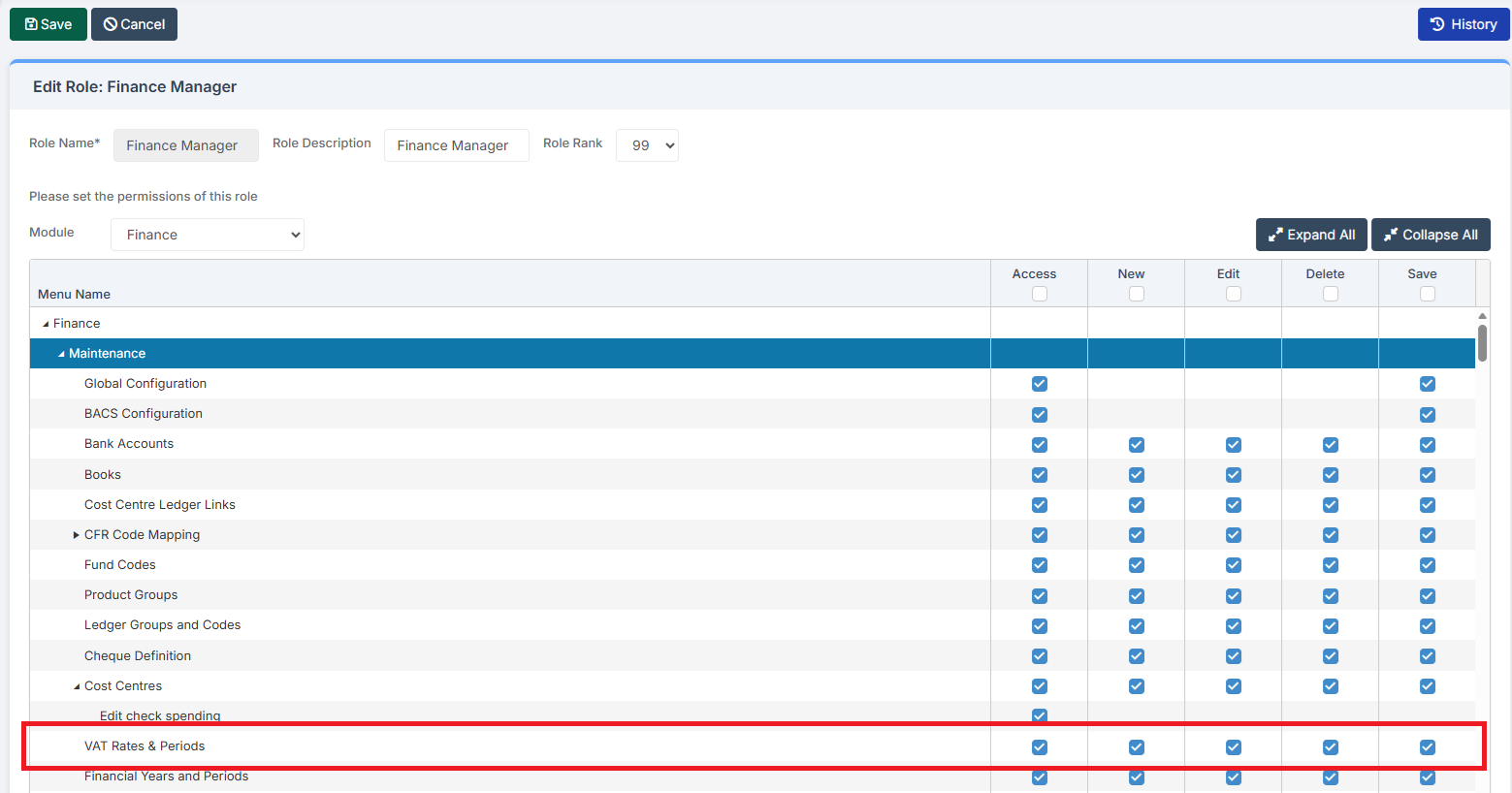
Access: The minimum permissions required to Create VAT Periods are found in the Finance Module section Config > Setup > Roles & Permissions.
To begin, ensure that you are in the New Year that you wish to define the VAT Periods for.

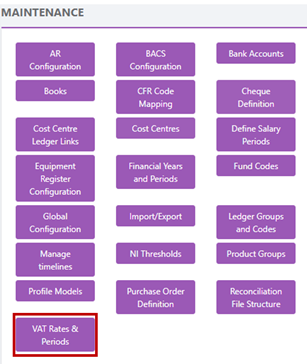
Then, go to Modules > Finance > Finance Home Page > Maintenance > VAT Rates & Periods.
Go to the bottom of the screen and select New to create a new VAT year.

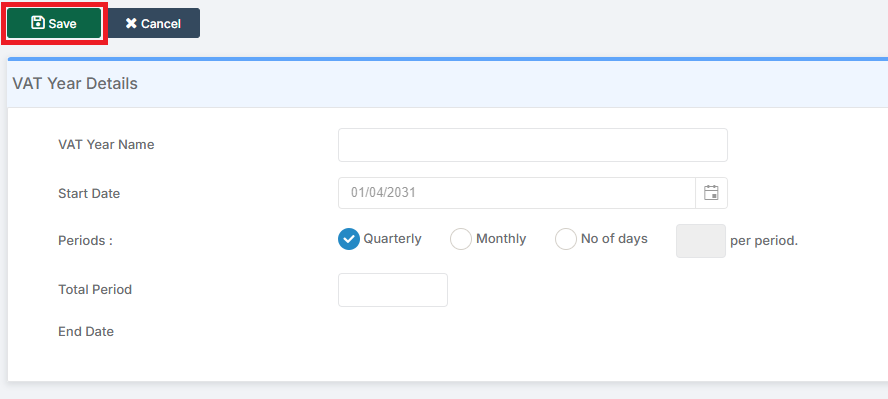
Enter the VAT Year Name. The Start Date should auto-populate. Select Periods of Quarterly / Monthly / Number of Days, depending on how you report your VAT. Then select the Total Period number, for example 12 if choosing Monthly Periods. The End Date should auto-populate.
Click Save.
An overview of the New VAT Year is shown.
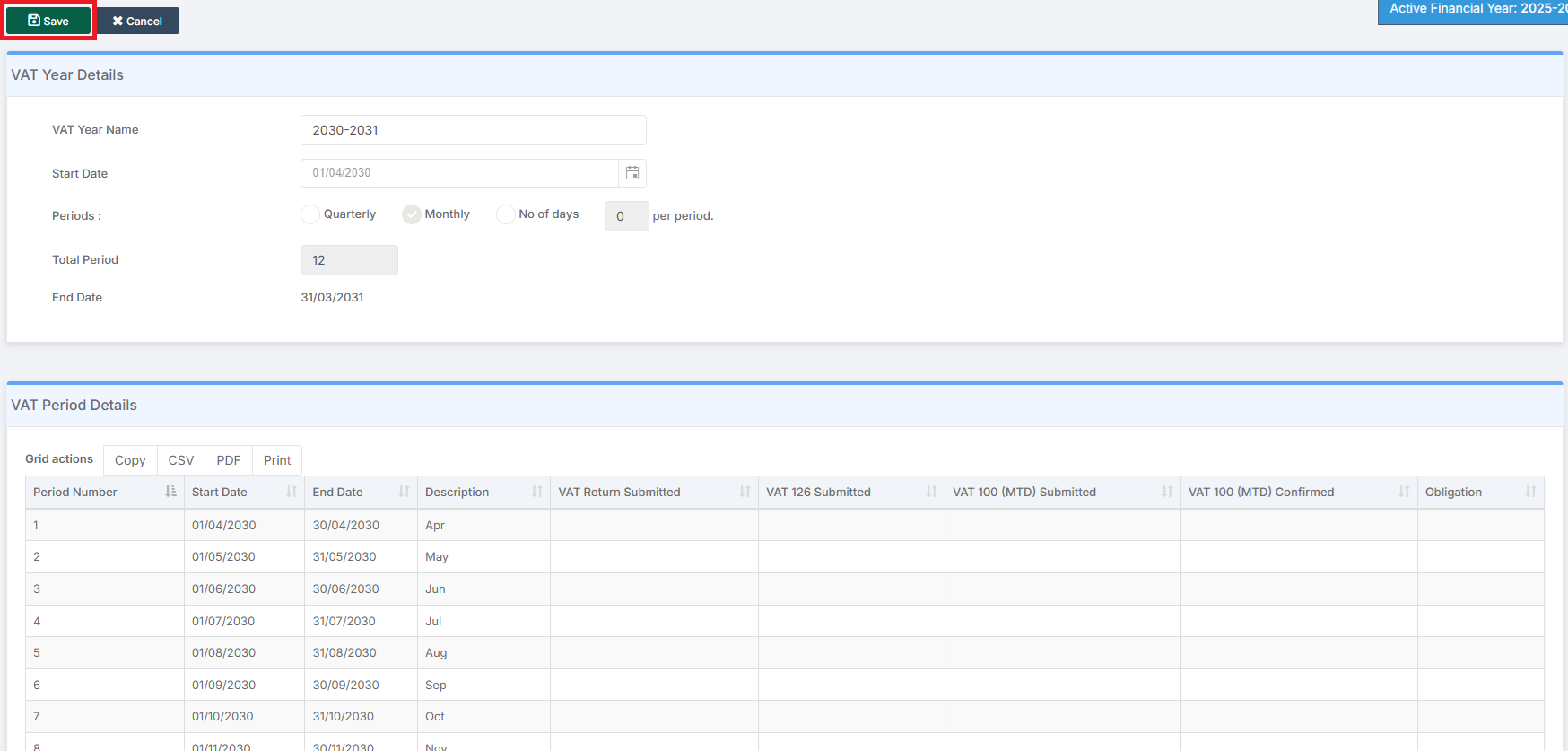
Click Save again and then the Cancel button to complete the process and return to the overview page.