In this guide, we show how to Define Salary Periods within the Finance Module.
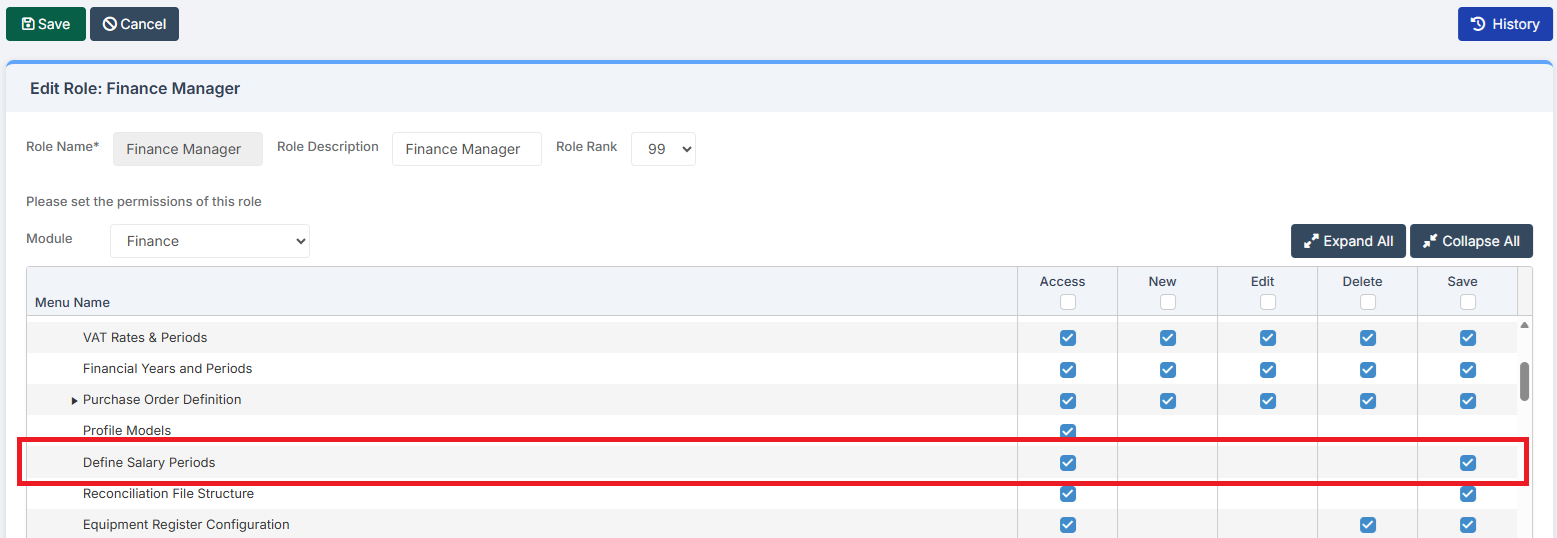
Access: The minimum permissions required to Define Salary Periods are found in the Finance Module section Config > Setup > Roles & Permissions.
Related Guides:
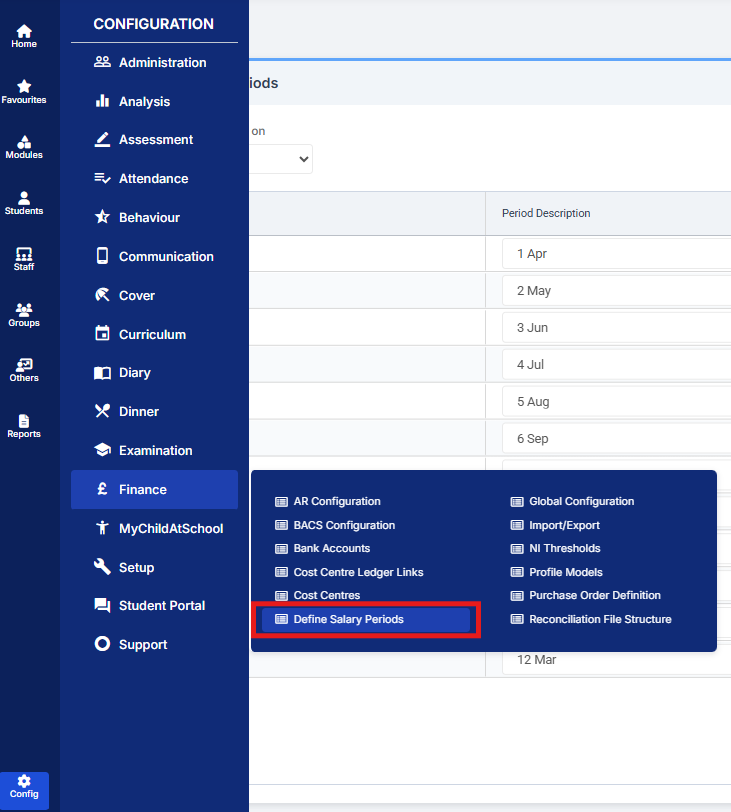
To begin, go to Config > Finance > Define Salary Periods.
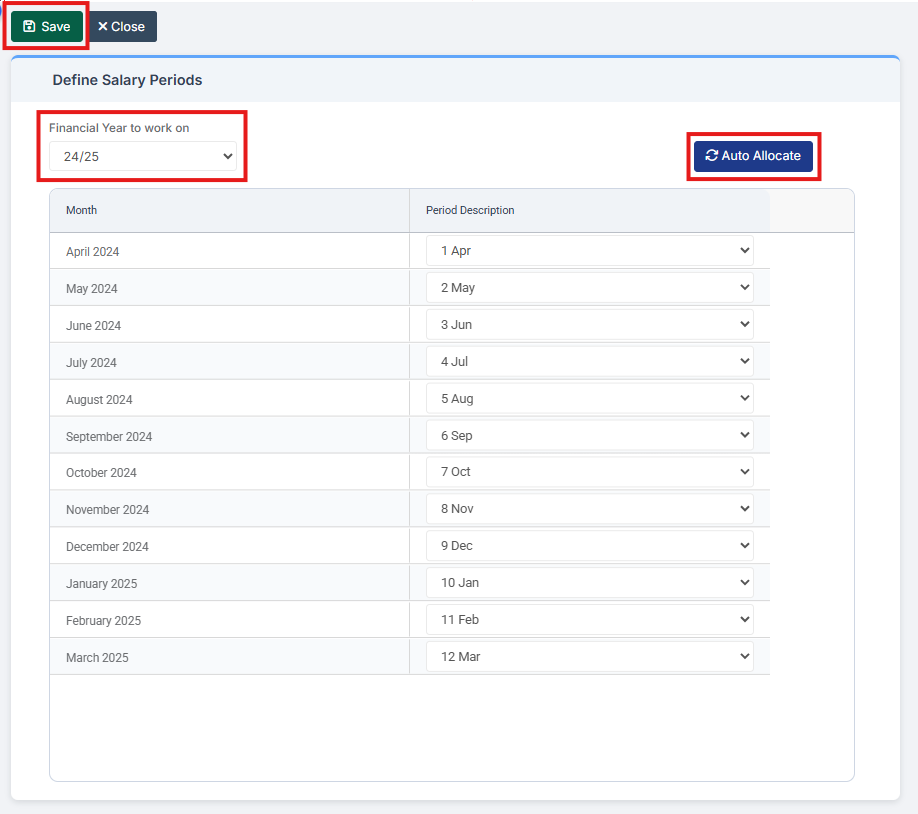
Choose the Financial Year to work on. Then either manually allocate the Salary Periods using the dropdowns in the Period Description column or select Auto Allocate to automatically allocate them.
When complete, click Save.