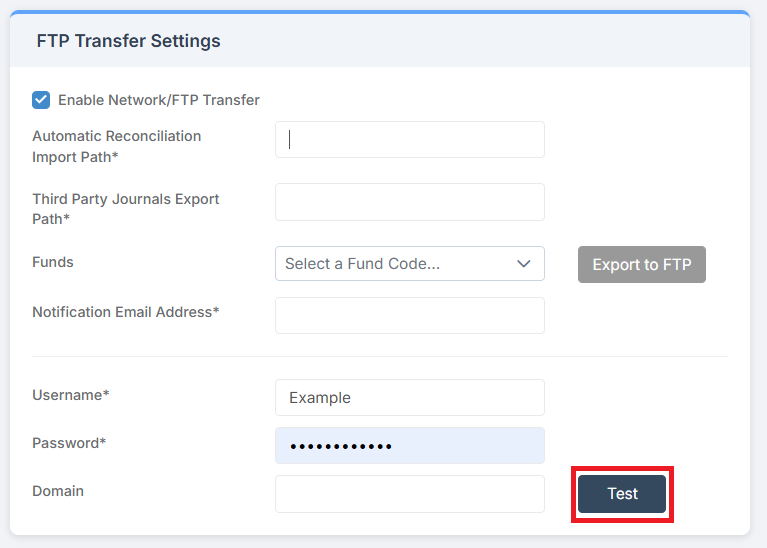
In this guide, we show How to Set Up FTP within the Finance Module.
Access: The minimum permissions required to Set Up FTP are found in the Finance Module section of Config > Setup > Roles & Permissions.
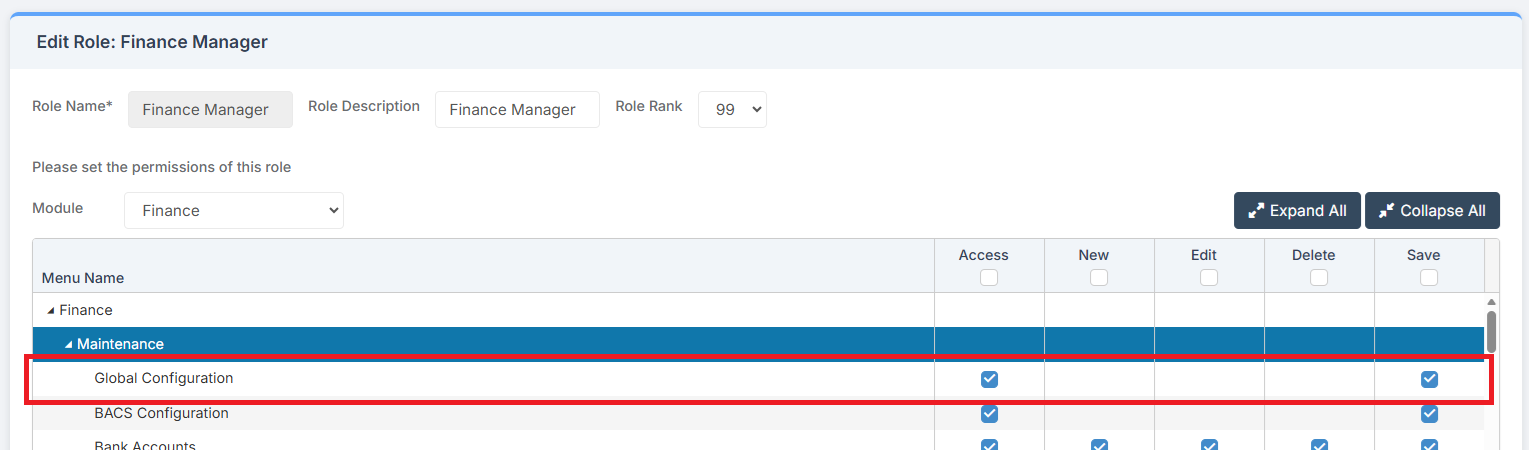
Pre-requisites: FTP location and log in details are required. Filename to be retrieved from FTP for Automatic Reconciliation must:
- End in _establishment number
- Contain BROM
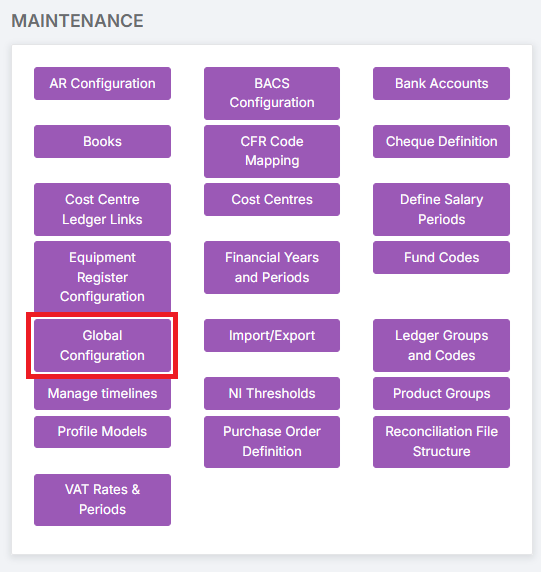
To begin, go to Modules > Finance > Finance Hoe Page > Maintenance > Global Configuration.
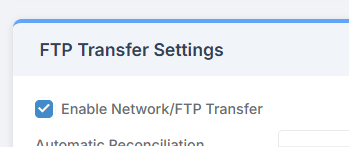
Scroll down to the FTP Transfer Settings.
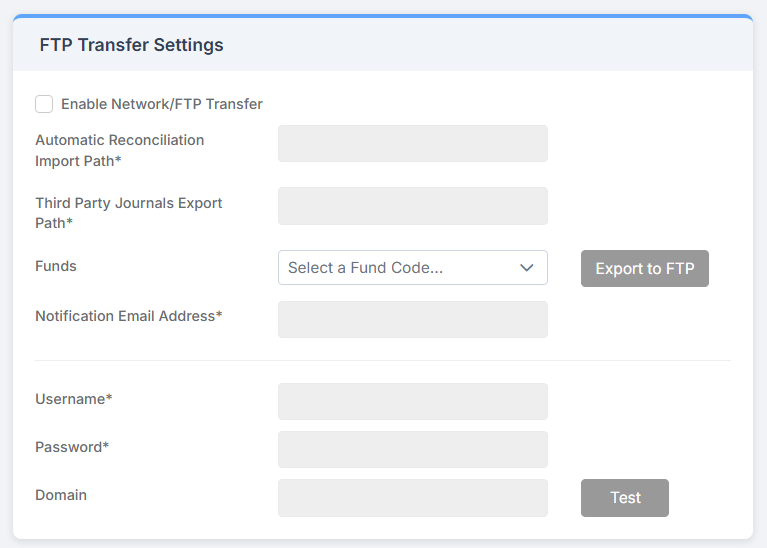
Tick Enable Network/FTP Transfer
Complete the required fields marked with an asterisk as per requirements/settings and click Save at the top of the page.
The connection to the FTP can be tested by clicking the Test button.