
In this guide, we show How to Delete Invoices or Credit Note Templates within Accounts Receivable and Accounts Payable in the Finance Module.
Accounts Receivable
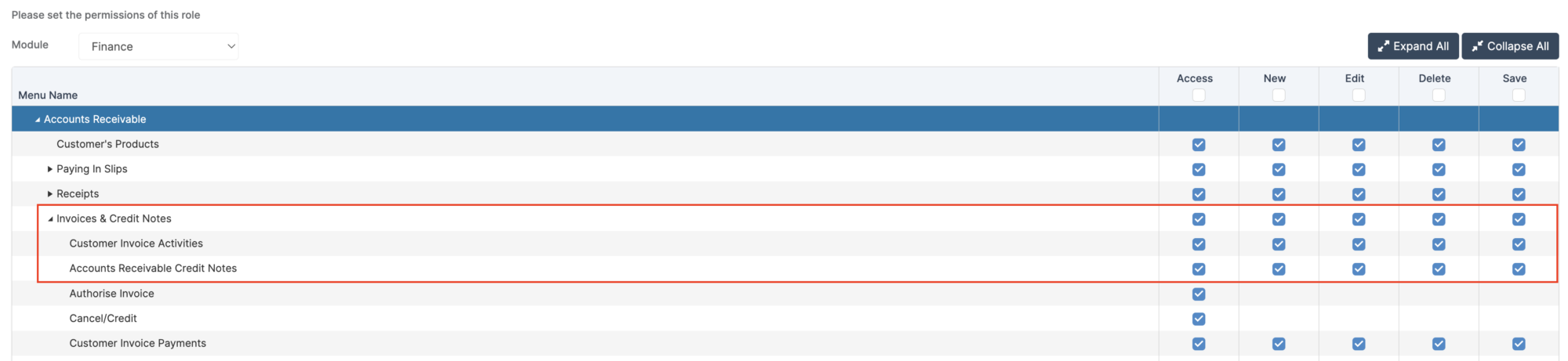
Access: The minimum permissions required to Delete a Template in Accounts Receivable are found in the Finance Module section of Config > Setup > Roles and Permissions.
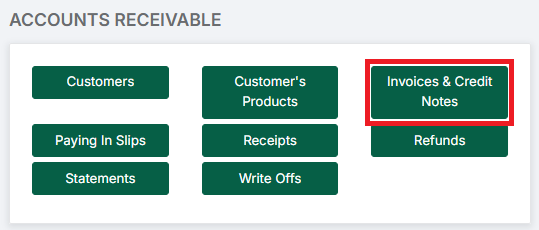
To begin, go to Modules > Finance > Accounts Receivable > Invoices & Credit Notes.
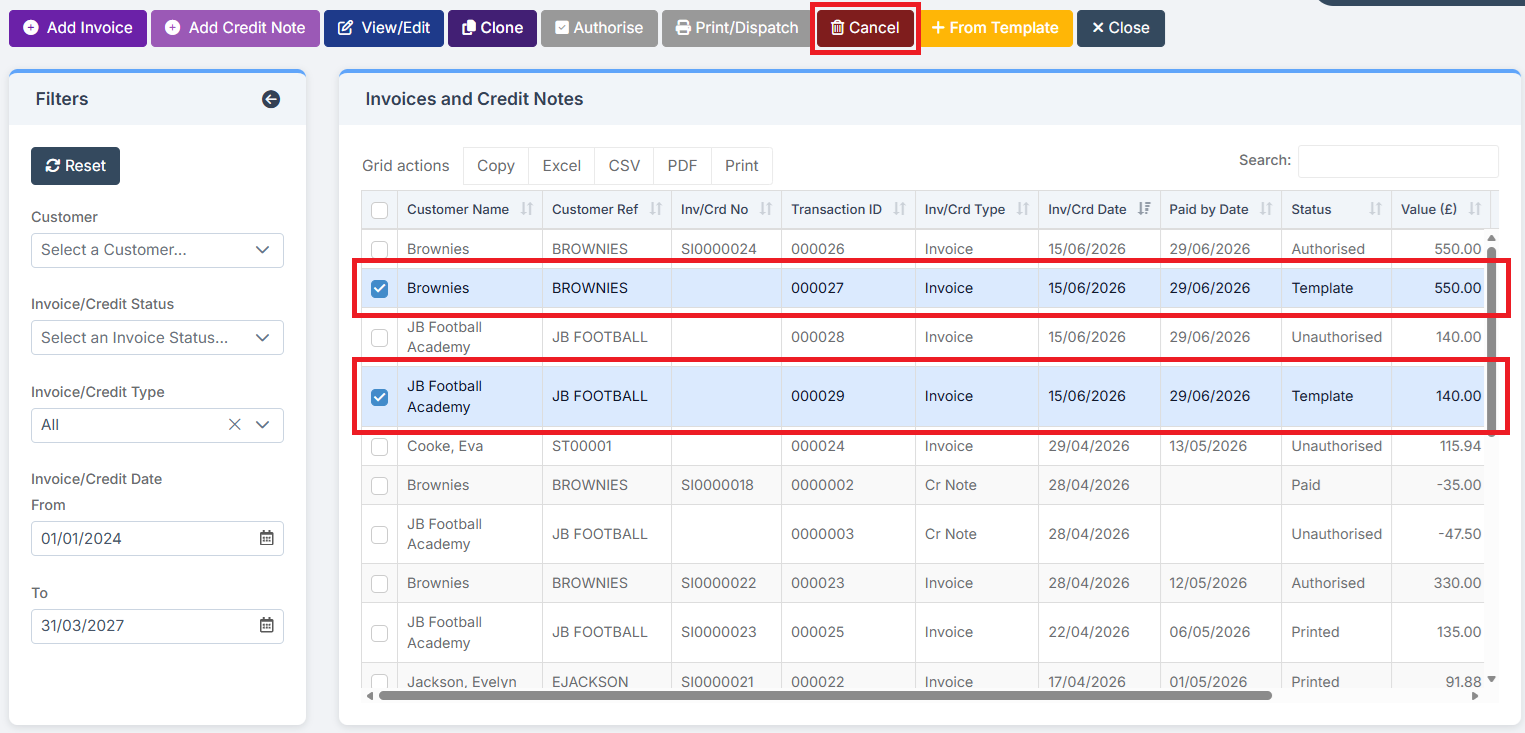
Select one or more Templates to be cancelled and click Cancel.
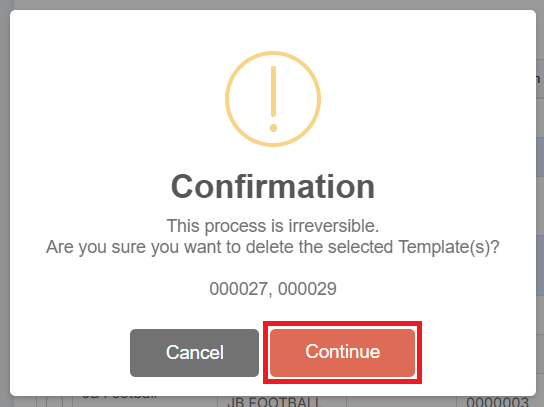
To confirm the Cancellation, click Continue in the pop up.
The Templates have been deleted.
Accounts Payable
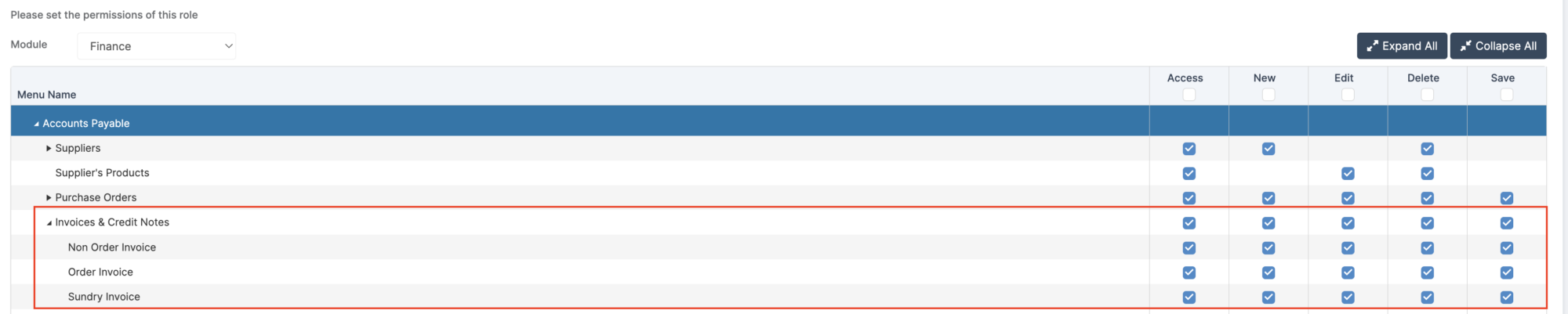
Access: The minimum permissions required to Delete a Template in Accounts Payable are found in the Finance Module section of Config > Setup > Roles and Permissions.
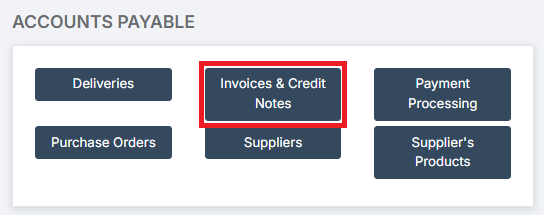
To begin, go to Modules > Finance > Accounts Payable > Invoices & Credit Notes.
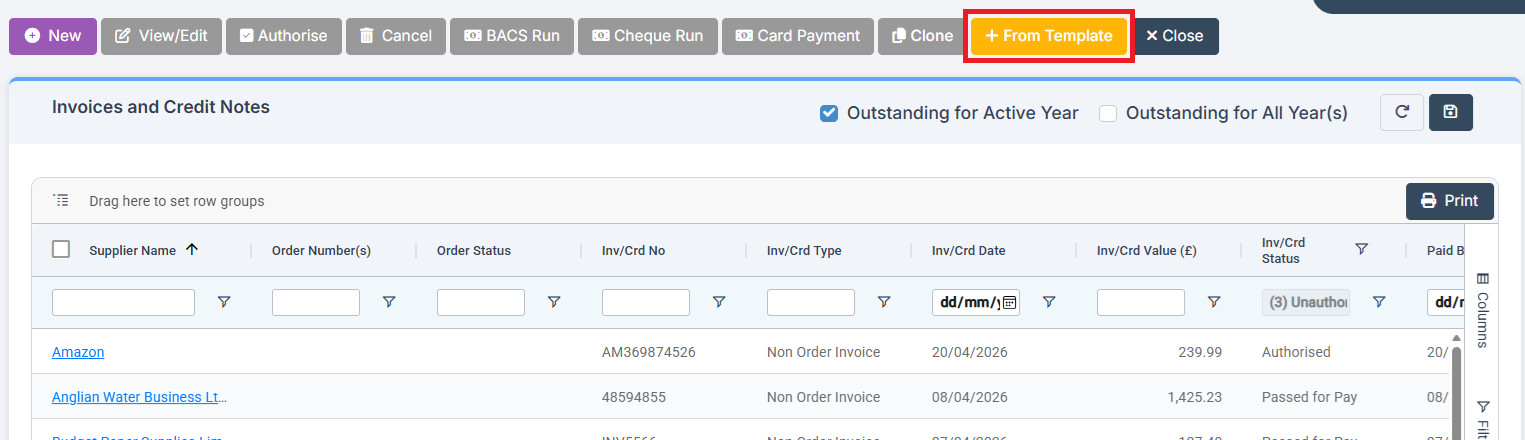
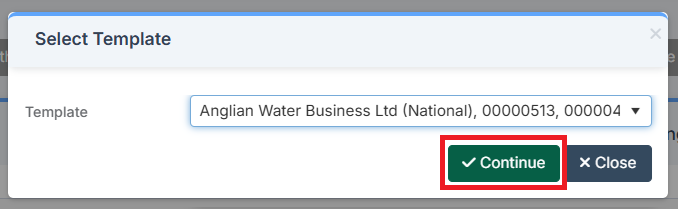
Select From Template.
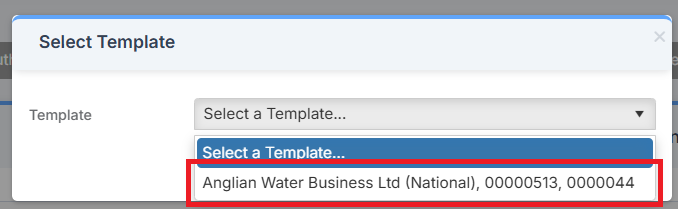
Select the Template to be deleted.
Click Continue.
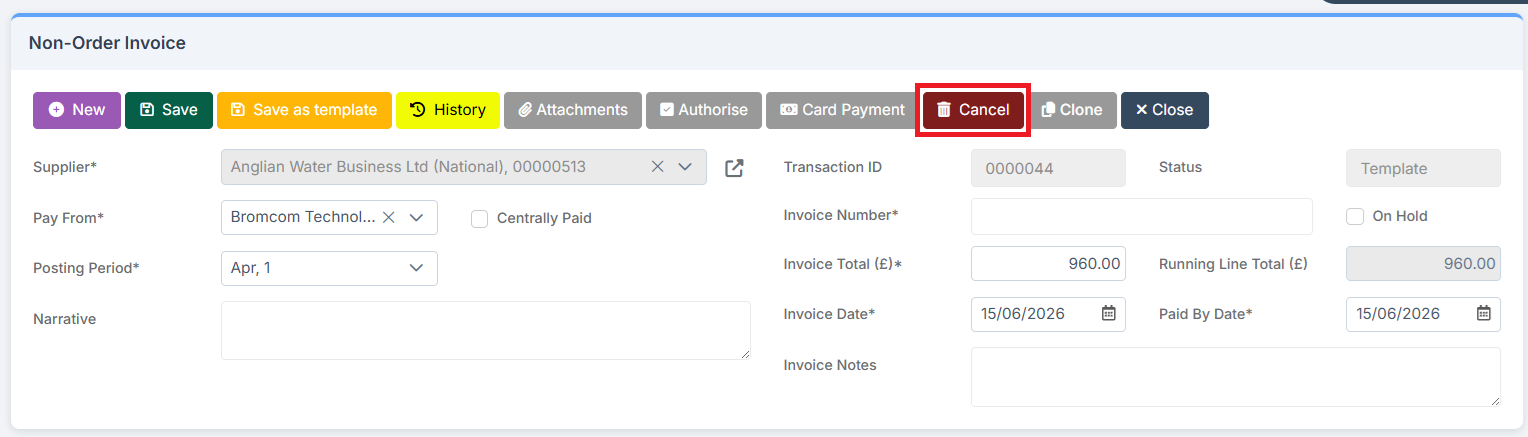
Click Cancel.
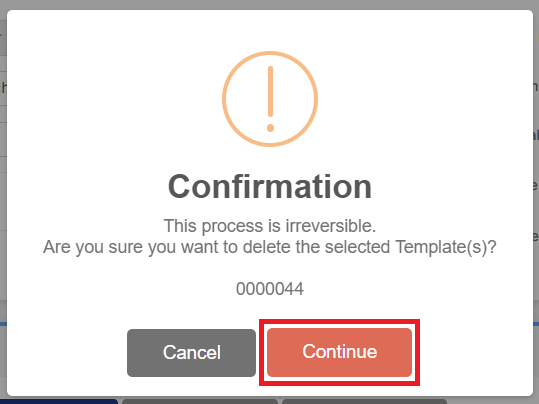
To confirm the deletion, click Continue in the Cancellation pop up .
The Template has been deleted.