
In this guide, we show how to create a Petty Cash Folio Book within the Finance Module.
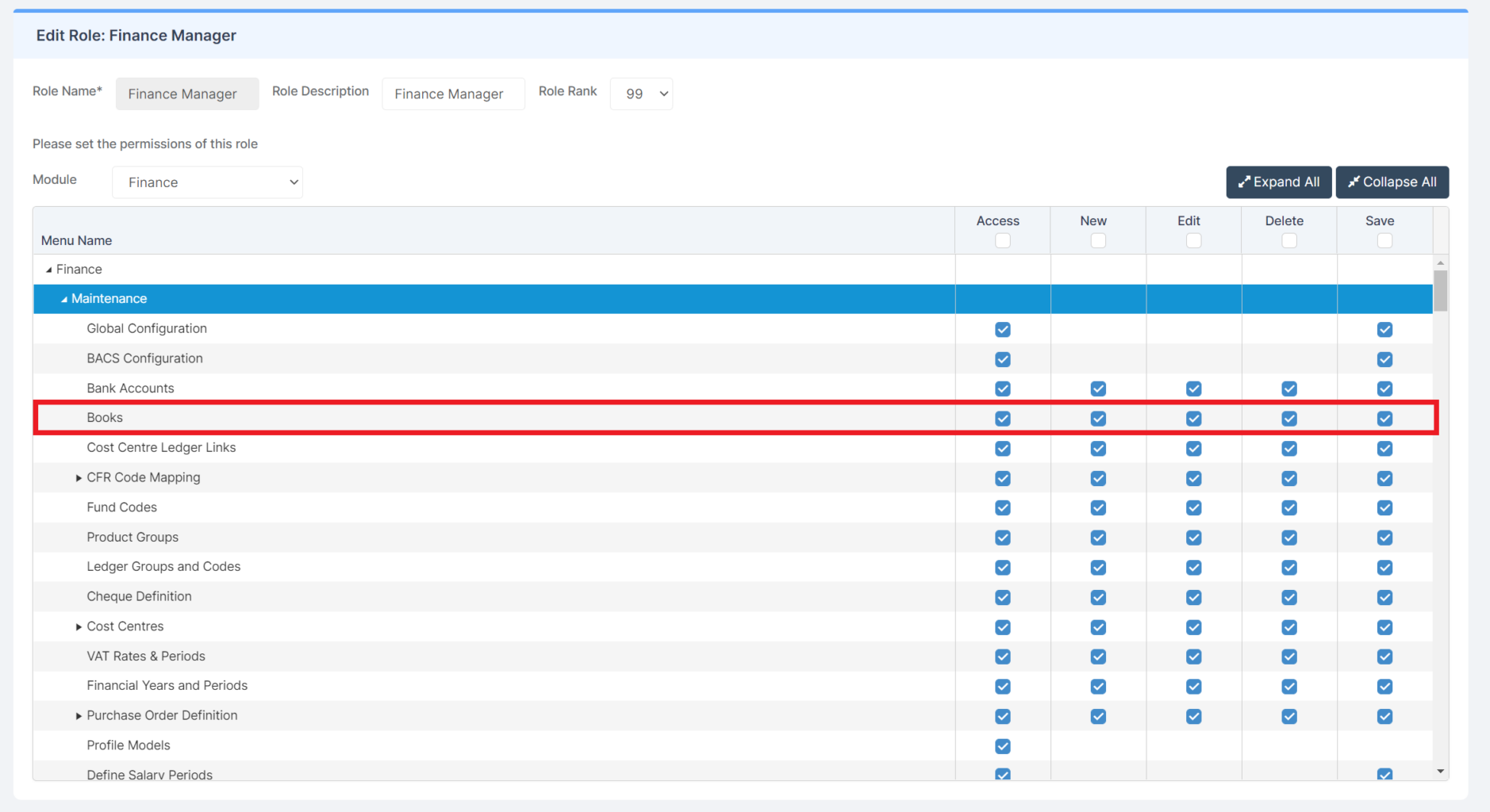
Access: The minimum permissions required to create an Petty Cash Folio Book are found in the Finance Module section Config > Setup > Roles & Permissions.
Pre-requisites: None
Related Guides:
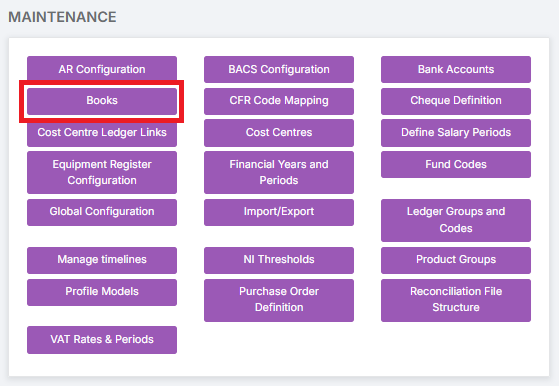
To begin, go to Modules > Finance > Finance Home Page > Maintenance > Books.
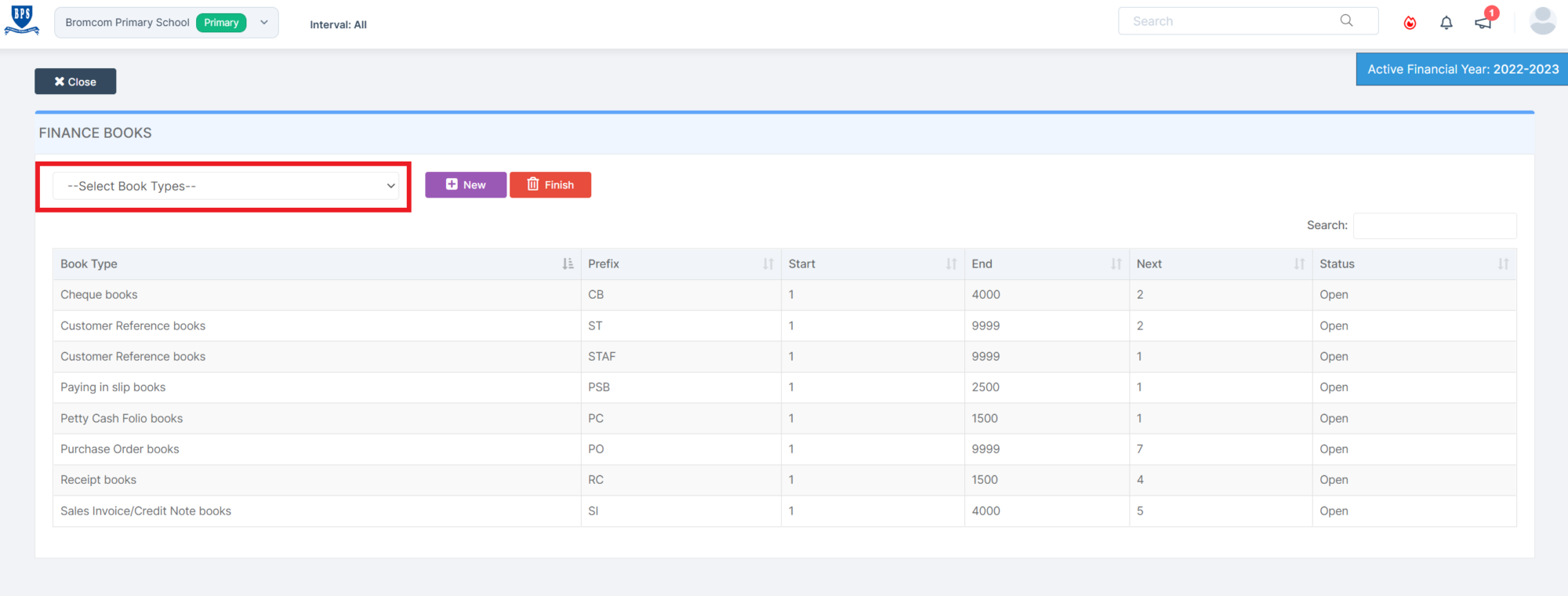
Click on the Select Book Types dropdown.
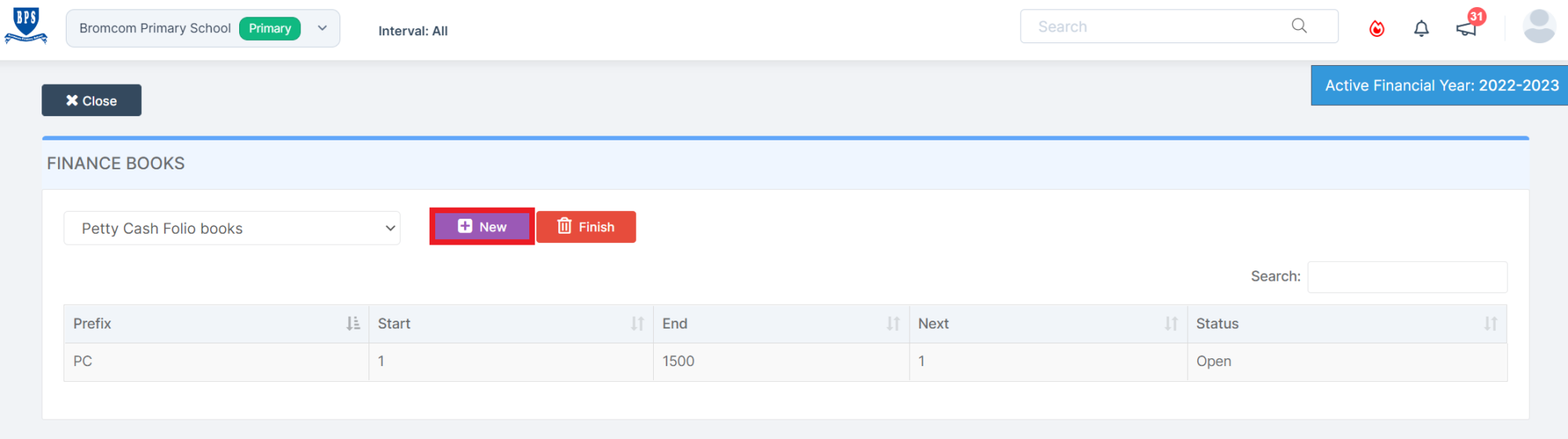
Select Petty Cash Folio Books and click New.
Enter the details of the Petty Cash Folio Book as per your requirements and click Save.
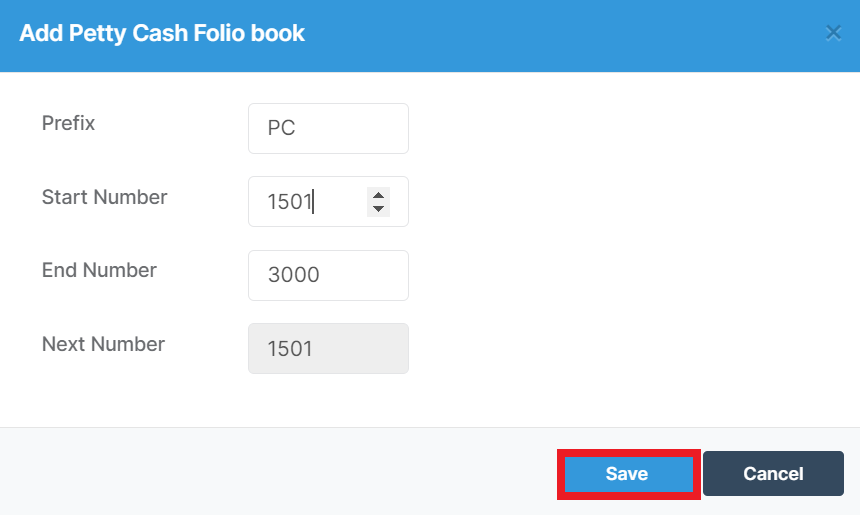
The Petty Cash Folio Book has now been added and is available to use.