
In this guide, we show How to Create a New Cost Centre within the Finance Module.
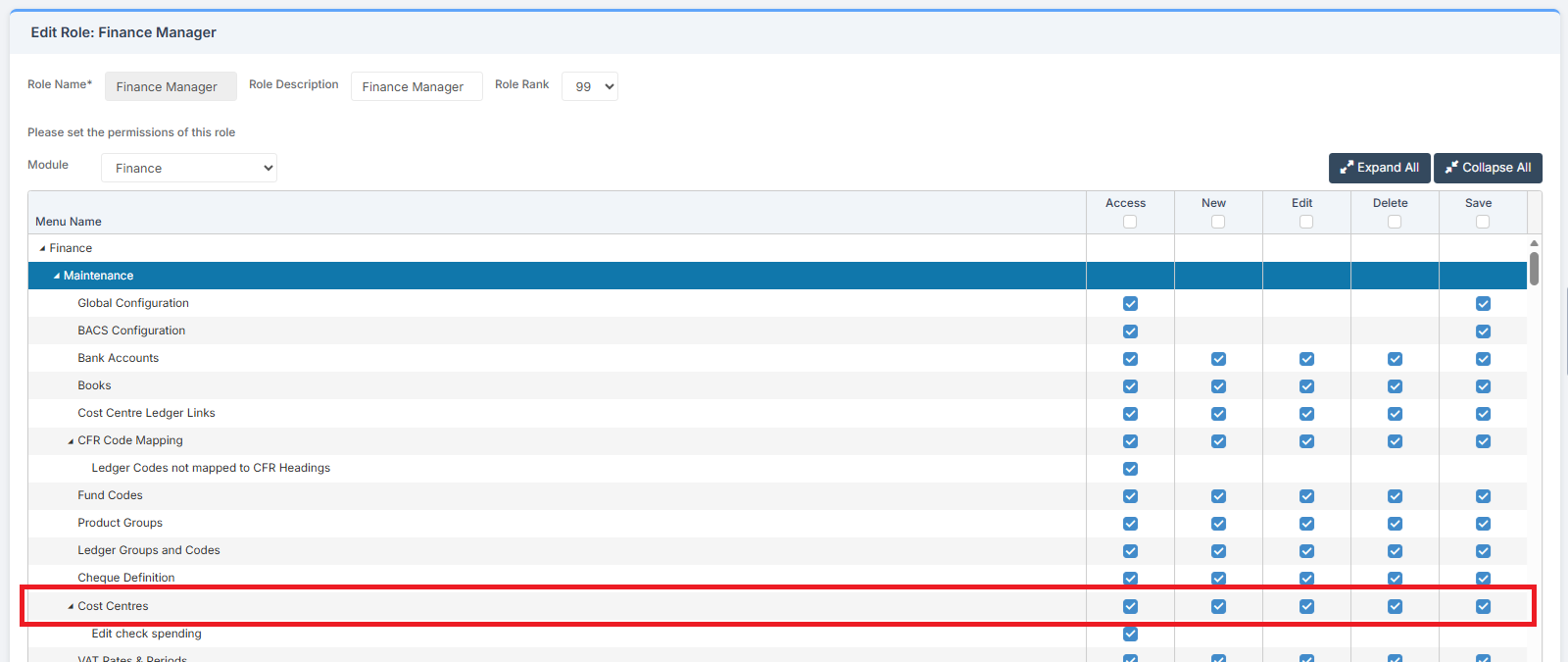
Access: The minimum permissions required to Create a New Cost Centre are found in the Finance Module section Config > Setup > Roles & Permissions.
Related Guides:
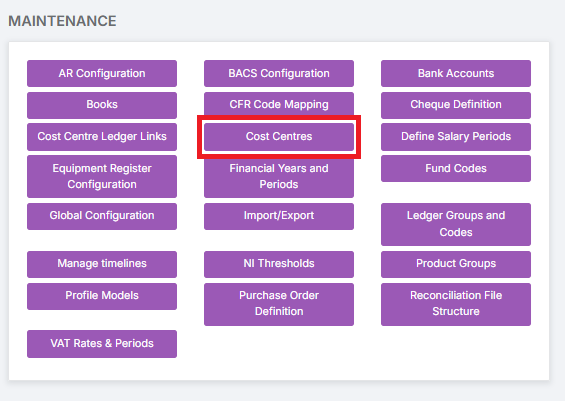
To begin, go to Modules > Finance > Finance Home Page > Maintenance > Cost Centres.
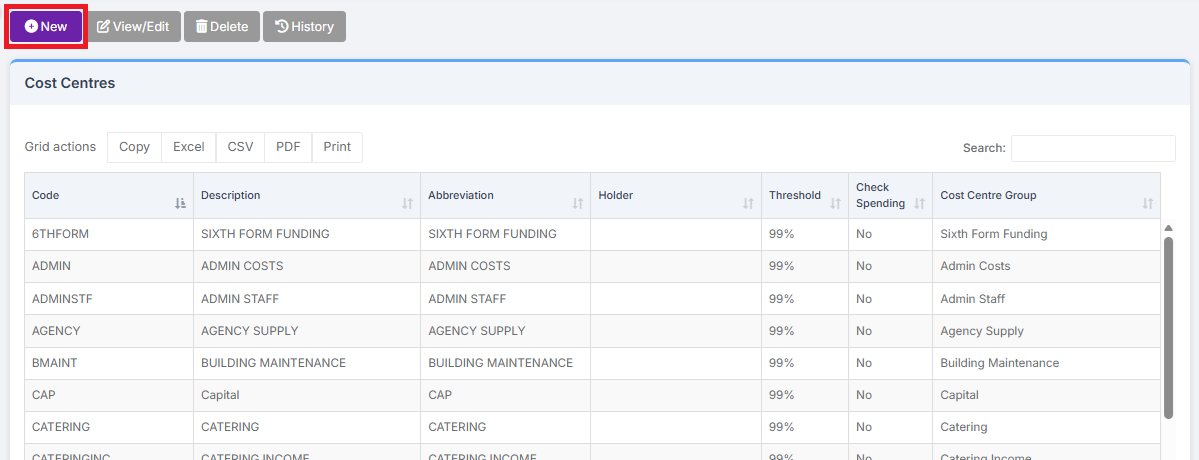
Click New to add a new Cost Centre.
Complete the asterisked fields Code, Description and Abbreviation. Holder can be left blank, but a Threshold must be entered if the Check Spending box is selected. The maximum is 99%. Select a Cost Centre Group to assign the Cost Centre to.
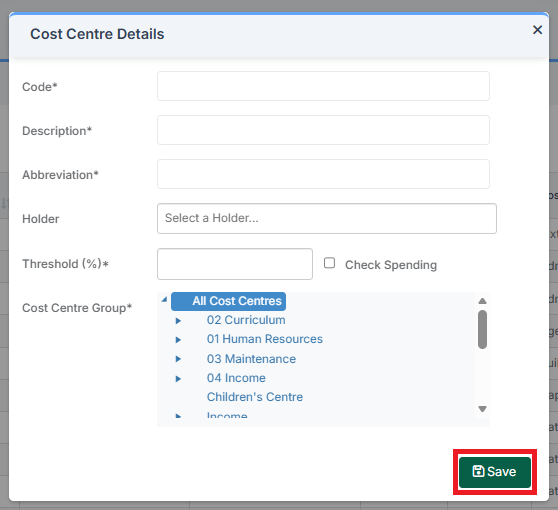
Click the Save button to add the Cost Centre.