
This guide will show you How to Authorise a Purchase Order through Notifications in the MAT Finance Module.
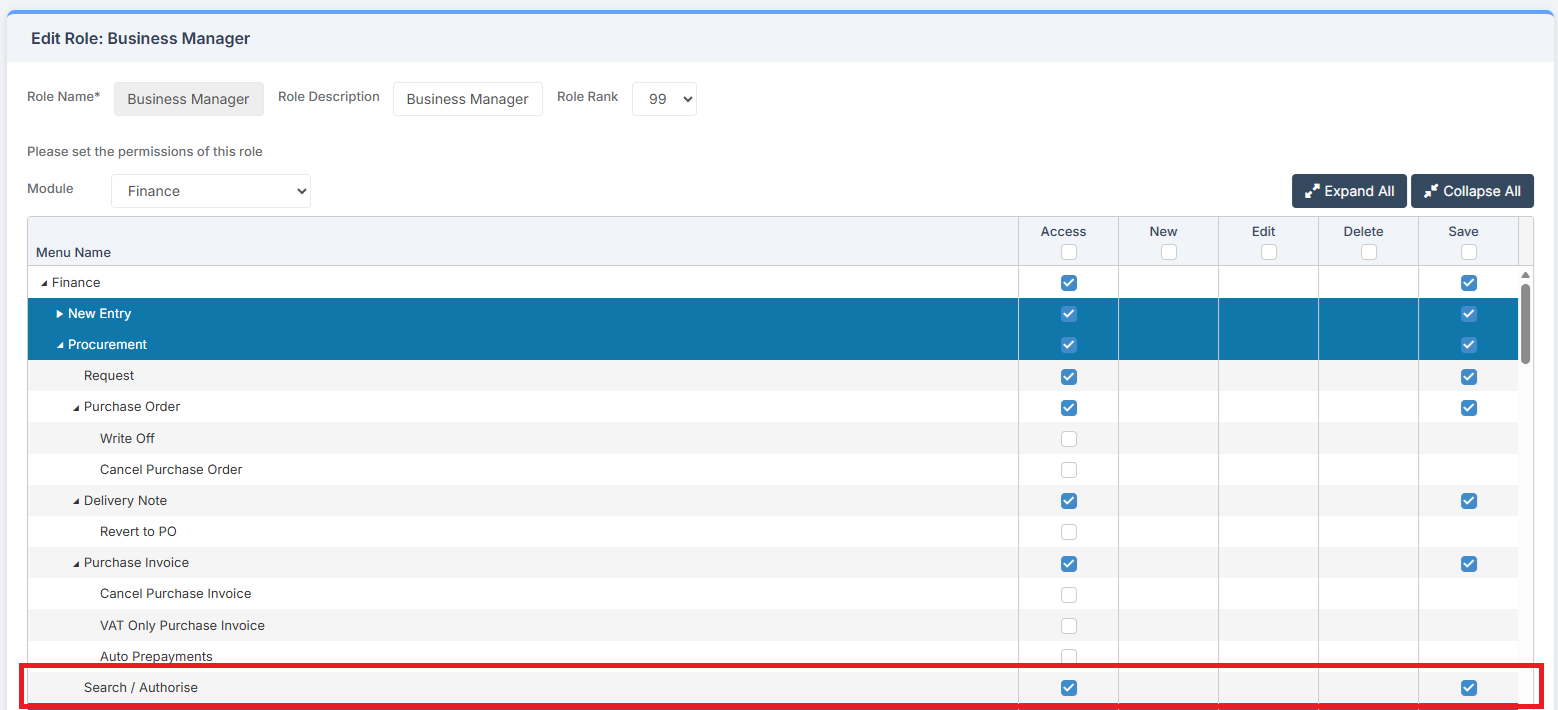
Access: The minimum permissions required to Authorise a Purchase Order through Notifications are found in the Finance Module section of Config > Setup > Roles & Permissions.
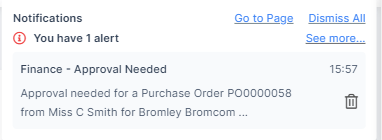
To begin, from any MAT Finance page, look for the Notification Bell in the top right of the page. This alerts the user of any Notifications to View/Authorise.

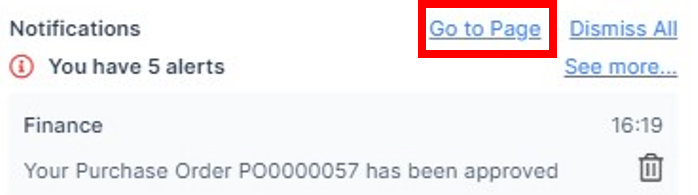
The screen can be accessed by clicking on the Go to Page link.
This opens the Notifications Page where a list of all Notifications is displayed.

To Approve, click on the line to open the page in a new tab. This opens the Profile Page and Requests Tab.
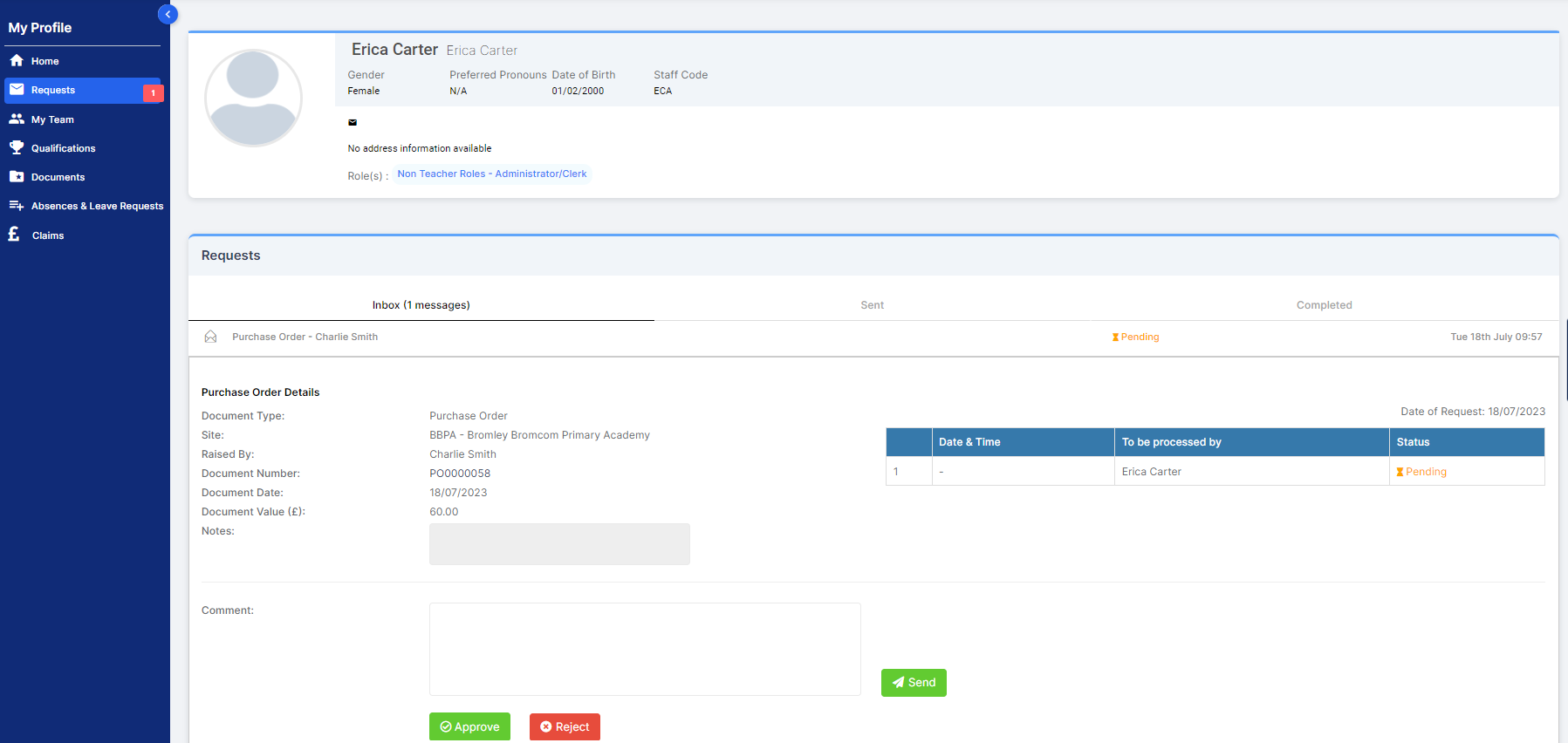
To View the Purchase Order, click on the Document Number.
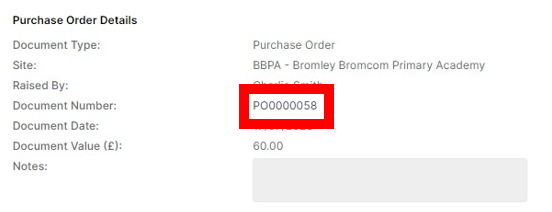
This opens the Purchase Order in a new tab for checking prior to Authorising.
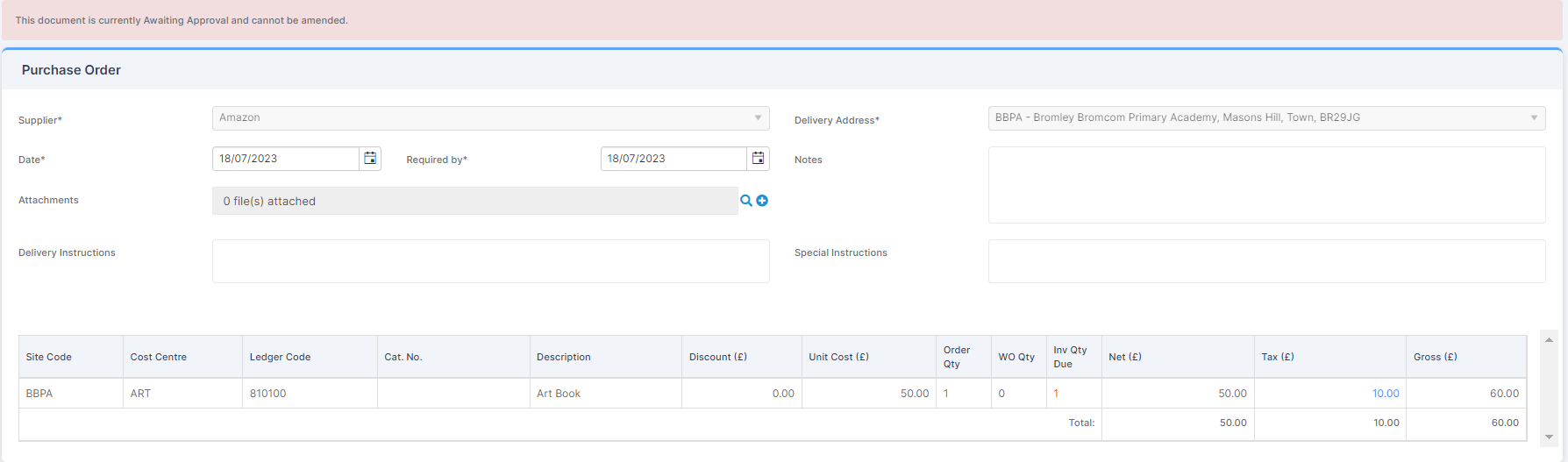
Return to the Requests Tab.
Here the Purchase Order can be Approved or Rejected.
Once Approved or Rejected, the Author of the Purchase Order gets a Notification when next logging in to MAT Finance.