In this guide, we show How to Configure the Global Configuration page in the MAT Finance Module.
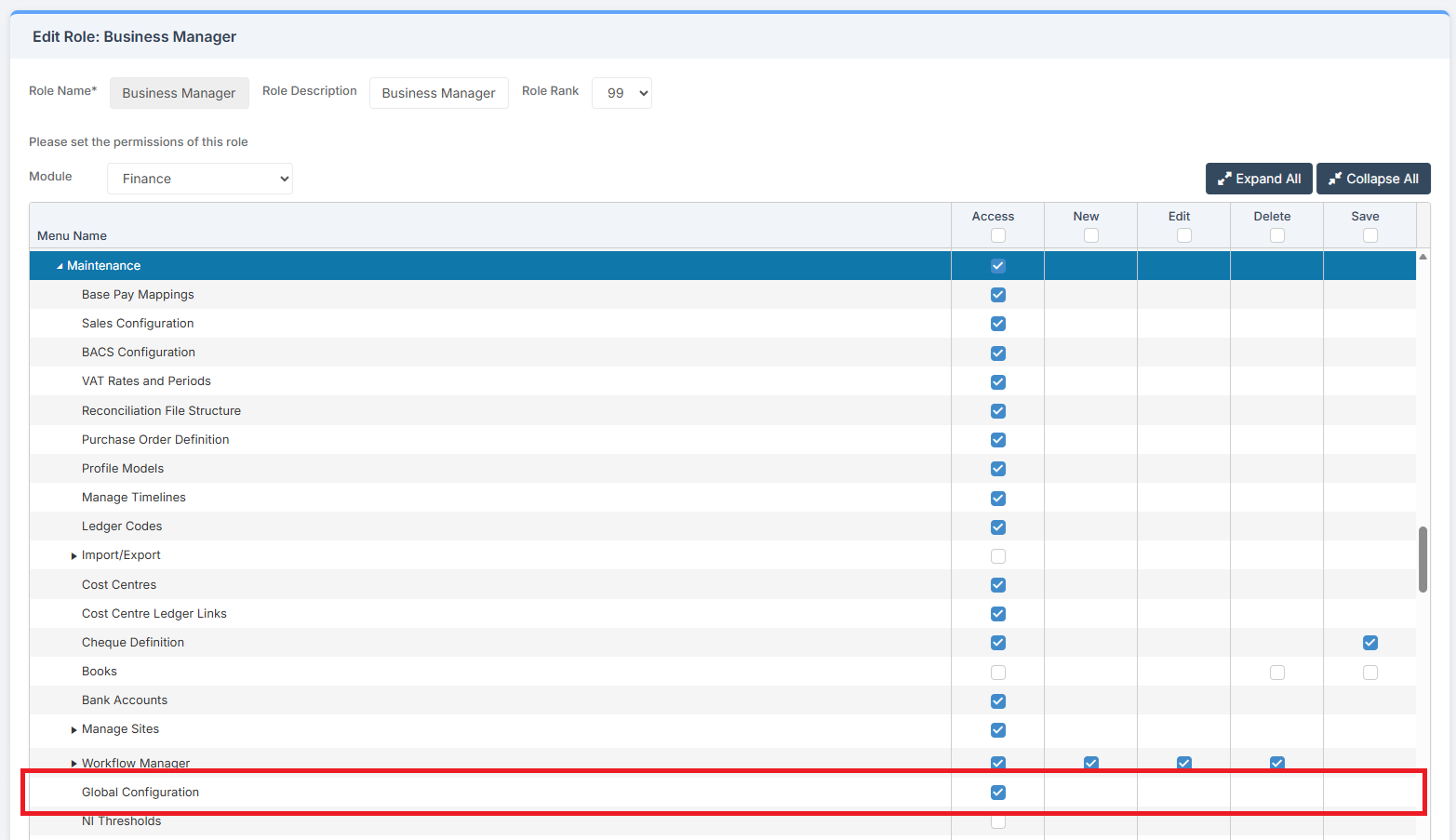
Access: The minimum permissions required to Configure the Global Configuration page are found in the MAT Finance Module section of Config > Setup > Roles & Permissions.
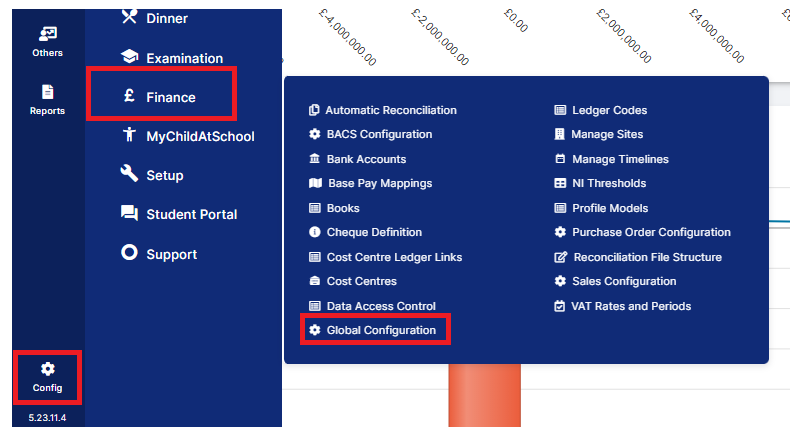
To begin, from the left Menu, go to Config> Finance > Global Configuration.
This opens the Global Configuration page, where there are four boxes for completion.
Box 1: MAT Finance Global Settings > VAT Registration Number
Enter the Trust’s VAT Registration Number.

Box 2: Making Tax Digital (MTD) Settings
If the Trust is registered for Making Tax Digital (MTD), tick the Use VAT 100 (MTD) box. The link opens the Authentication section of the HMRC Tax Platform. Select Authenticate. This opens the HMRC Site in a new tab. Complete the Trust’s login information to create the link for VAT 100.

Box 3: Annual Accounts Return (AAR) API Settings
To enable DfE AAR API Automation, tick the box.

Further information will appear. Enter Companies House Number and select the Sites to be included in the AAR. Select the Central Site.

Once the page has been completed, select Save.
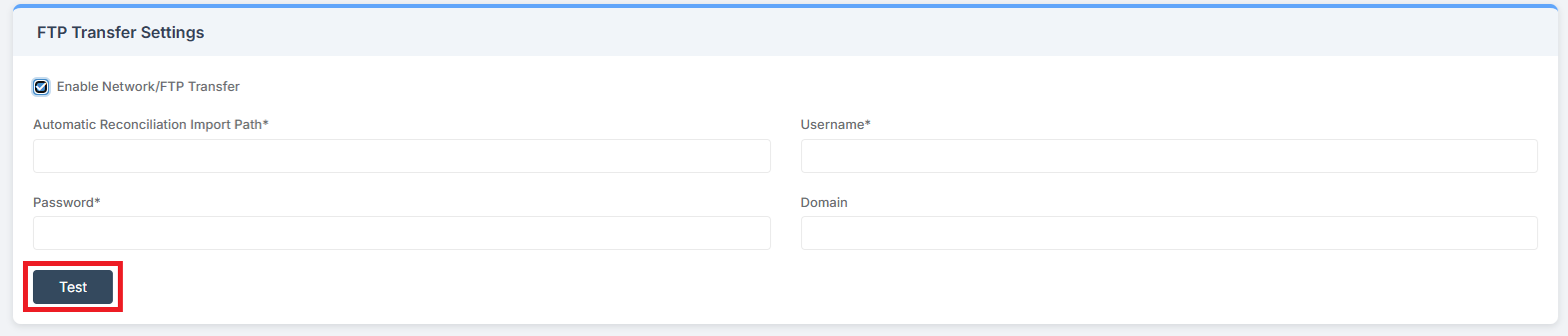
Box 4: FTP Transfer Settings
To Enable Network/FTP Transfer, tick the box and complete the required information. Click Test to test the settings.