
Note: All pages below are subject to having the relevant Roles and Permissions.
Note: This option is for use within Vision only, not within the MIS.
This guide will help you to distribute User Defined Flags created in a Central MIS database throughout the selected schools.
Please be aware when distributing central changes from Vision for User Defined Flags, if the User Defined Flags are linked to a User Defined Field then this process will also push out the roles from your central system as well. Any roles assigned to the User Defined Field will also be pushed out from the Central.
See also:
- How to create User Defined Flags
- How to distribute User Defined Codes
- How To Manage Roles & Permissions within Vision
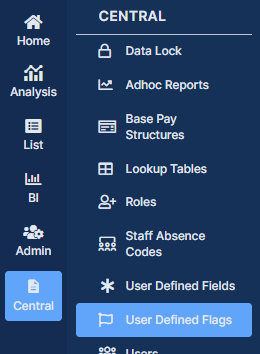
Login into Vision and from the left Menu select Central > User Defined Flags.
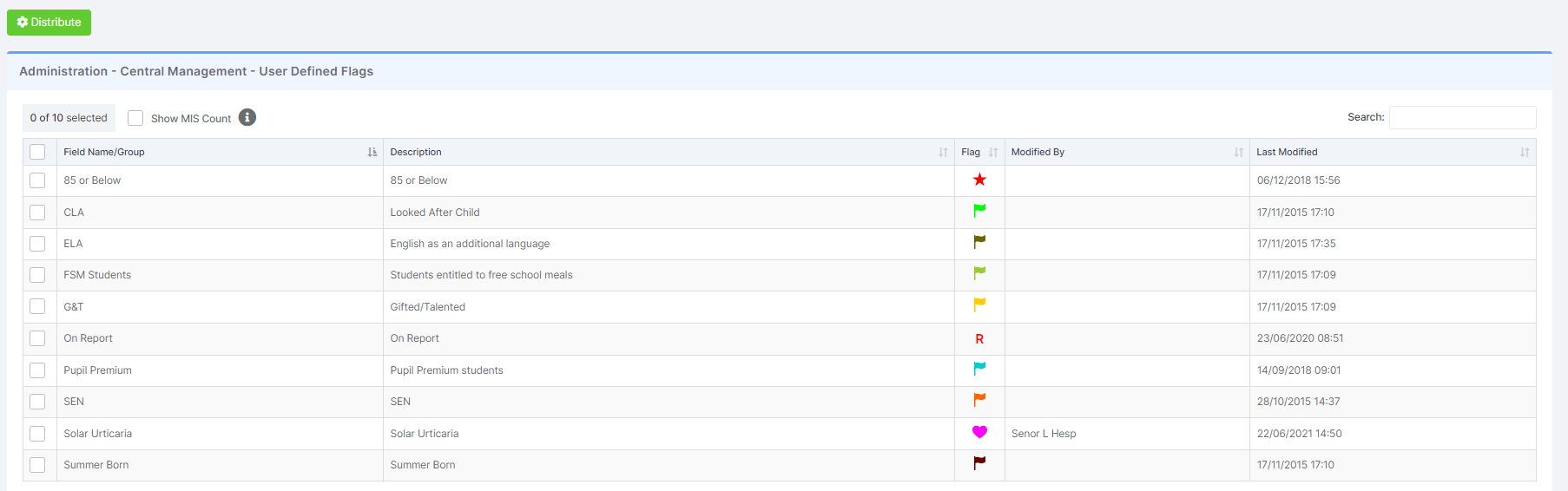
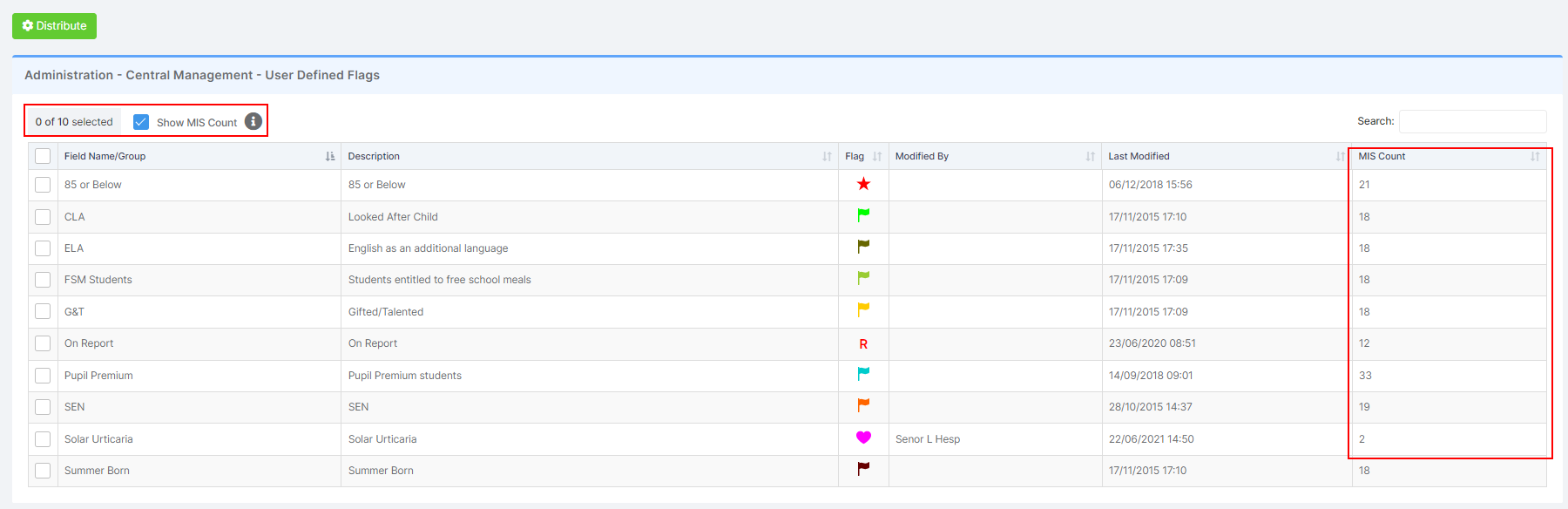
Ticking the Show MIS Count box will show the number of schools that have the User Defined Flags available in the MIS. The MIS Count column values for the User Defined Codes is now active.
Note: Enabling this Count can increase the time it takes the table to load
Follow the distribution process in the following page: How to distribute items to schools from Vision.